Podcast
Blue Lightning AI Daily
Hosted by Blue Lightning · EN
Blue Lightning AI Daily is your go-to AI podcast for creators, delivering fast, focused updates on the world of generative AI. We cover the latest breakthroughs in large language models (LLMs), AI video editing, AI photography, AI audio tools, and creative automation. Each episode gives digital creators, content marketers, and creative professionals clear insights into how AI is transforming storytelling, production, and the creator economy. Stay informed, stay creative, and stay ahead with daily AI news made simple.
71episodes
Episodes
Newest firstAll episodes
Hailuo 3 Hits Early Access: AI Video Gets Real
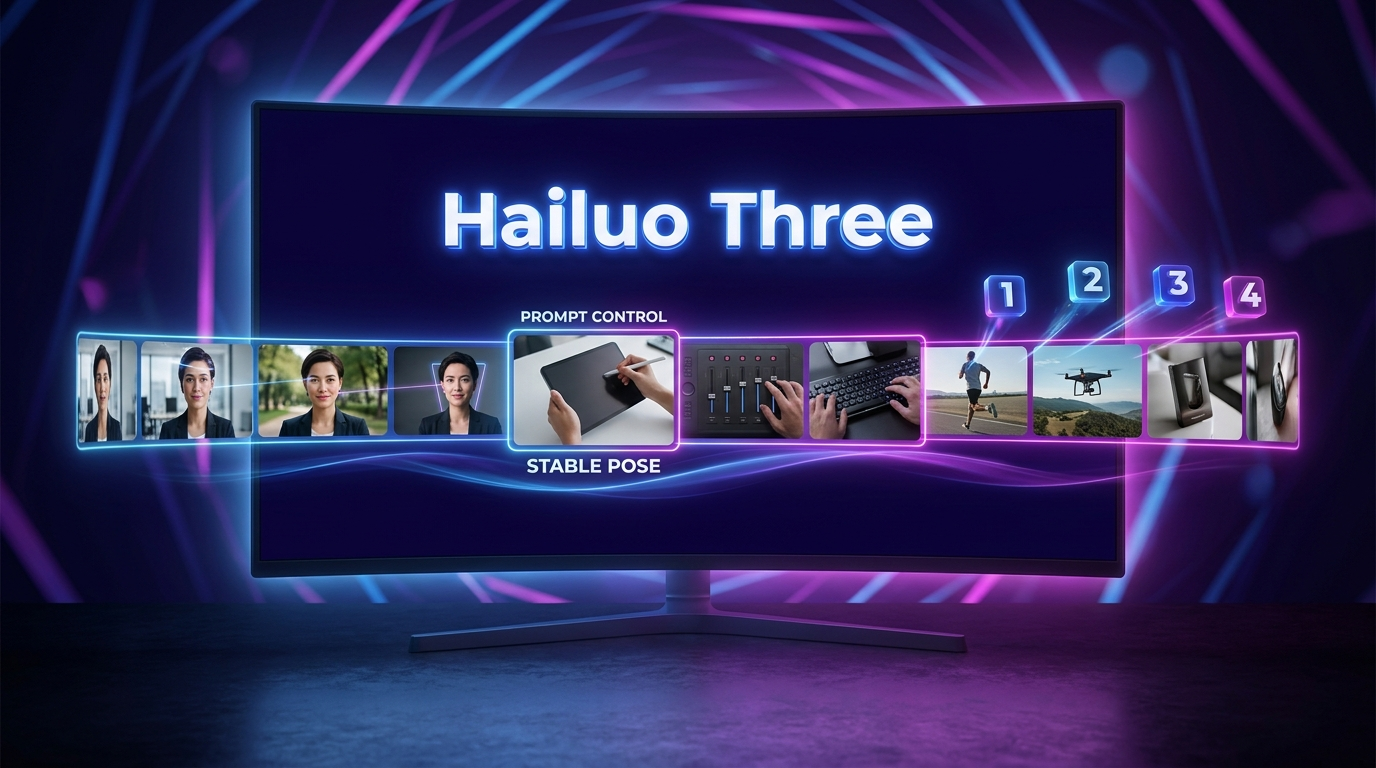
YesterdayTap to summarizeToday we dive into the hotly anticipated early access launch of Hailuo Three, MiniMax’s new AI video model that just crashed the crowded generative video scene. With competitors like Runway, Kling, Pika, and countless experimental models floating around, Hailuo Three is making bold promises: longer clips, higher resolutions, and next-level face and prompt consistency. But does it deliver? We compare new features, wrestle with workflow realities, and debate what really wins creators’ trust: slick demos or boringly predictable stability. Plus, we share first reactions from early testers, break down what matters most for creators (spoiler: it’s not cinematic lighting), and get honest about the never-ending quest for prompt adherence and face-hold magic. We also scan the week’s ecosystem shakeups from Adobe Firefly Boards to Meta Muse Image and Google’s Gemini Notebook updates, plus a look at security trends with Nvidia’s Open Secure AI Alliance. If you’re a creator wondering how to stress test a new model, build a flexible workflow, or just want to laugh about AI hands, this episode is for you. No tool loyalty, no hype, just real-world takes on AI video in 2026.
Transcribe →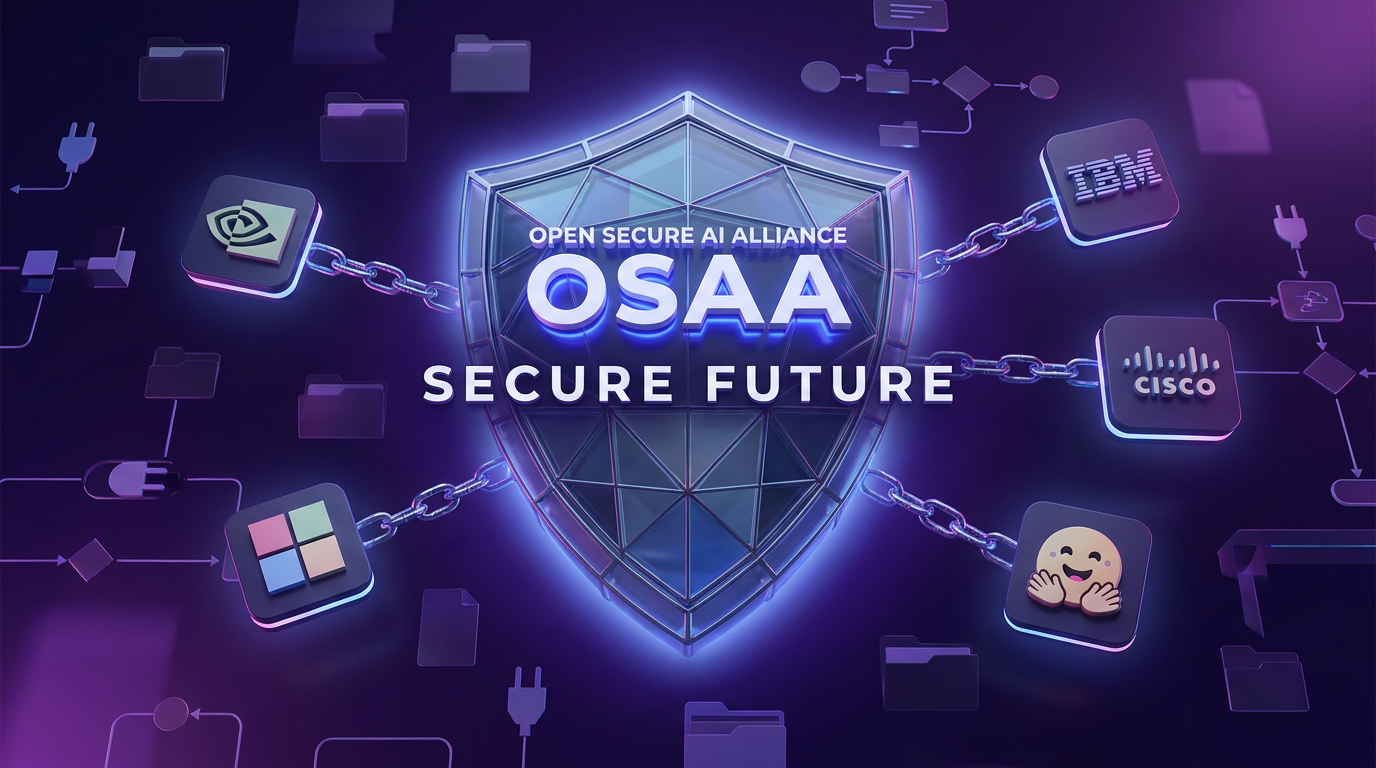
Nvidia's OSAA: The AI Security Squad Creators Need
2d agoTap to summarizeToday on Blue Lightning Daily, we break down Nvidia’s headline-grabbing launch of the Open Secure AI Alliance, or OSAA. This new coalition, joined by tech giants like Microsoft, IBM, Cisco, Salesforce, Hugging Face, and more, is aiming to make AI security as standardized as HTTPS—no more complicated, duct-tape security for your mini agent factories. We talk about audit logs, supply chain sanity, and why giving every AI agent the same permissions as your most trusted team member is a recipe for chaos. Learn how OSAA wants to move AI from vibes-based pledges to real infrastructure: open standards, traceability, and practical frameworks that anyone can inspect—and hopefully, actually uses. We also cover why open source isn’t automatically secure, how AI supply chains get messy, and why even scrappy creator teams stand to benefit from these security guardrails. Plus, we take quick side trips through Google’s Gemini Notebook, Meta’s Content Seal with Muse, Adobe’s Firefly updates, and discuss what could go wrong if alliances turn into endless committees. This is the episode for anyone building with AI who wants practical security tips and the inside scoop on why OSAA could change how your favorite tools keep you—and your brand—safe from AI gone wild.
Transcribe →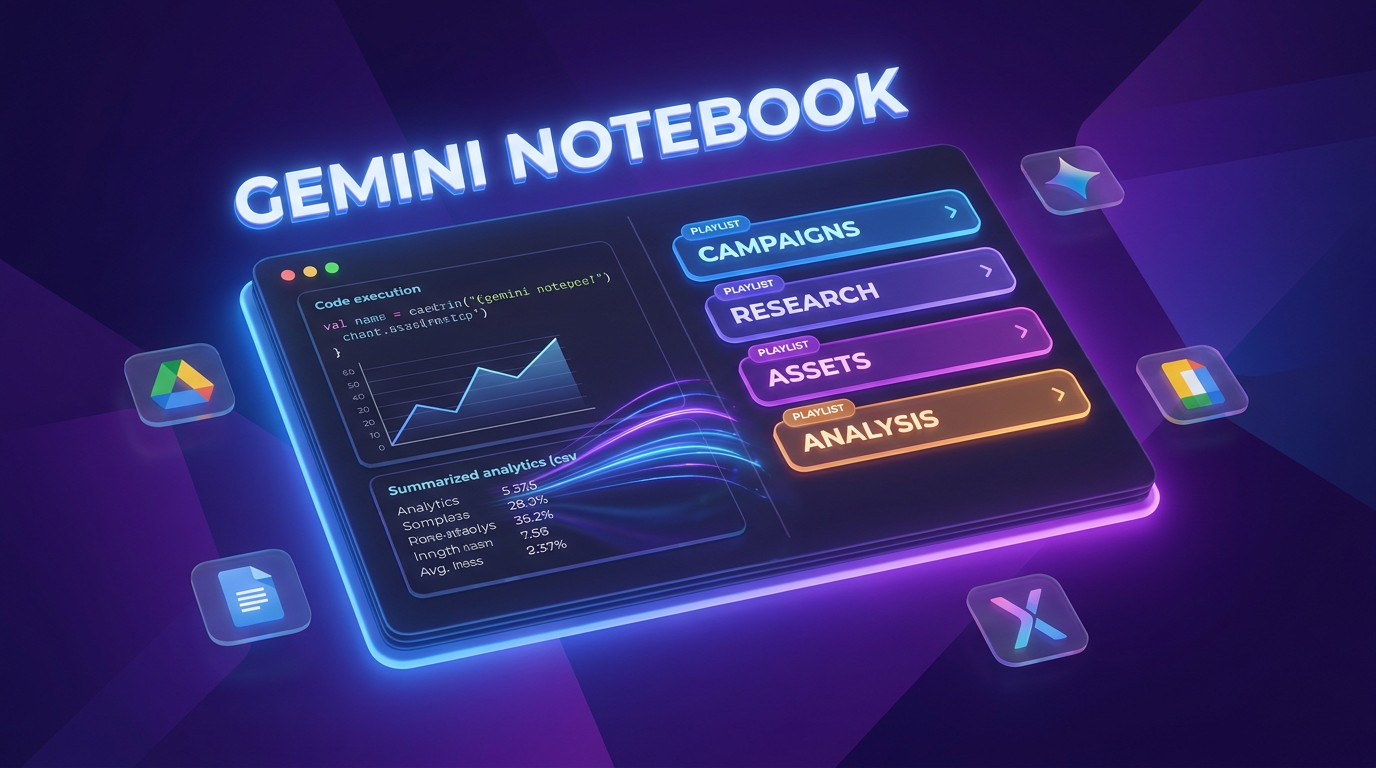
Google Gemini Notebook Aims for the Creative Desk
3d agoTap to summarizeToday on Blue Lightning Daily, we break down Google’s big move: rebranding NotebookLM as Gemini Notebook and leveling up from a basic summarizer to a full-scale creator production desk. What does that really mean? For creators and marketers, it signals a major upgrade: built-in code execution and the new Collections feature that lets you organize notebooks like playlists. We dig into why this matters for making content workflows faster and less chaotic, and where the biggest faceplants still happen. We also contrast Google’s approach with Adobe’s Firefly Studio beta, which is chasing unified creative workspaces, and Meta’s Muse Image, which is staking its claim on agentic editing. The ecosystem race is on—Google wants to rule research and analysis, Adobe’s eyeing the creative studio, and Meta’s tailoring tools for the social factory floor. Back to Gemini Notebook: what’s great, what’s awkward, and when will code execution be available for your whole team? Plus, practical examples of how you can go from messy spreadsheet exports to instant clean charts and summaries, all inside Gemini. We wrap with clear advice for solo creators, marketers, and agencies on making the most of these new tools—without turning your workflow into another maze of tabs or rituals. If you’re tired of copy-pasting your way through a project and want source-grounded AI that plays nice with your research, this episode is for you.
Transcribe →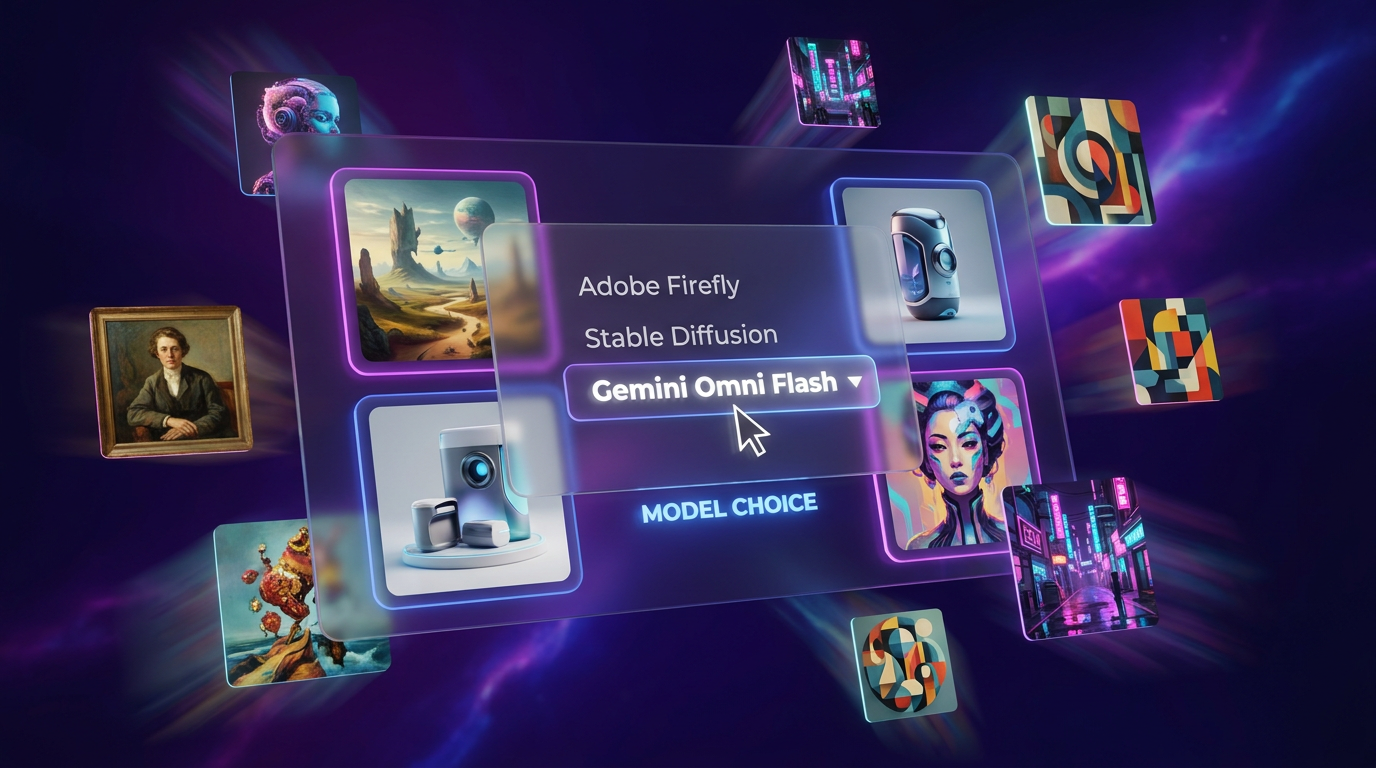
Adobe Firefly Boards Adds Gemini Omni Flash Power
3w agoTap to summarizeToday on Blue Lightning AI Daily, Hunter and Riley dive into Adobe Firefly Boards' newest trick: you can now generate creative concepts with Google’s Gemini Omni Flash model straight from within Adobe itself. Switching between engines is as easy as a dropdown, letting creators compare AI outputs side by side—all inside the same project, no more frantic tab juggling and renaming files like "final_final_NO_SERIOUSLY.png". Omni Flash, built for lightning-fast image generation and conversational steering, speeds up early-stage brainstorming so you can explore more options without the usual wait. The hosts discuss why “speed changes behavior,” letting you work through more ideas and choose not just the least flawed output, but something you actually like. But as the playground grows, so does the chaos: too many model options can be paralyzing, so the episode breaks down practical rules to avoid descending into endless A B tests. Use Omni Flash for broad, exploratory sketches and switch back to Adobe’s tools for polish and brand precision. Plus, some hard truths: fast AI acceleration means mistakes move faster too. No AI model replaces careful quality control or the human sense of taste. Also in today’s episode: a robot gets “arrested” in Macau, and Fudan University turns AI-stumping into an exam sport. If you’re a creative or marketer wanting less context switching and cleaner workflows—or just want to keep up with the exploding multi-model AI universe—this episode’s for you.
Transcribe →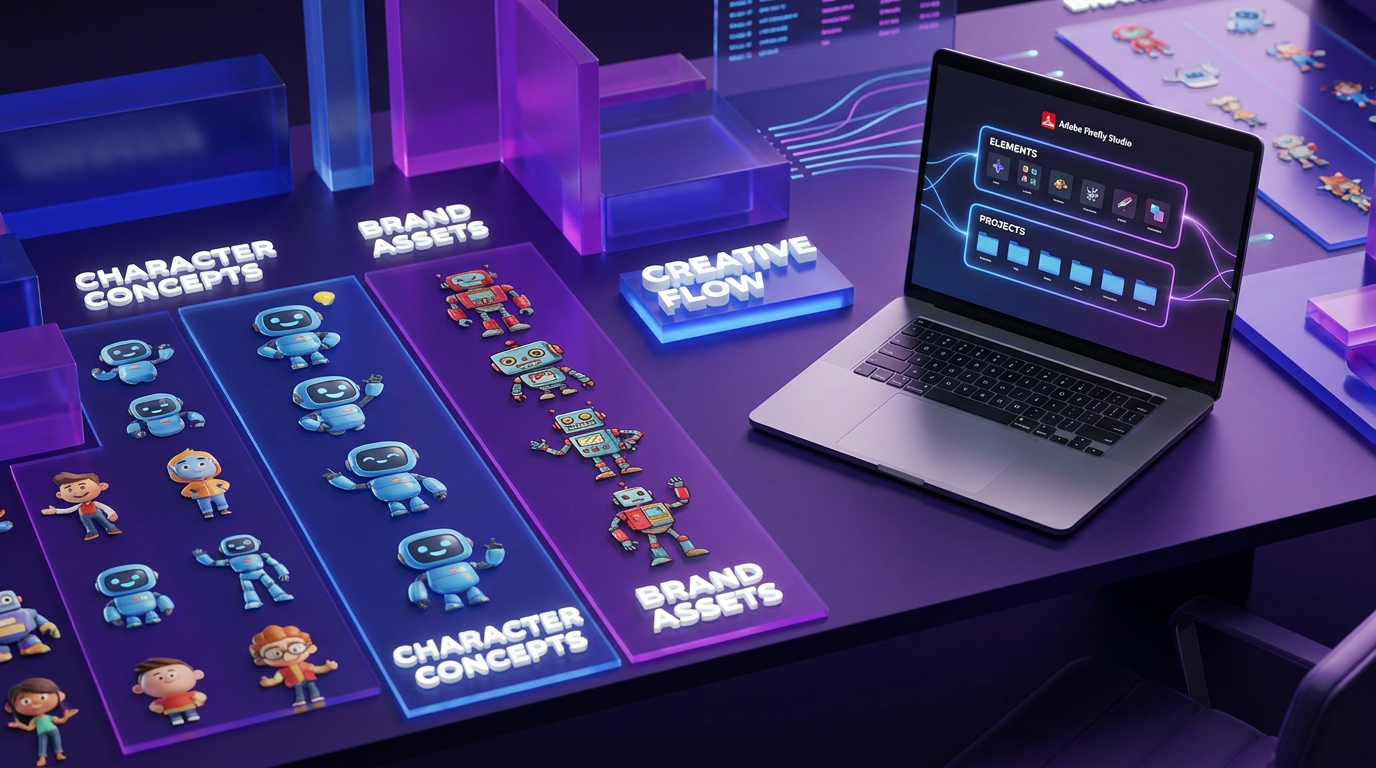
Adobe Firefly Studio Beta: Consistency in Creative AI
3w agoTap to summarizeToday on Blue Lightning Daily, Hunter and Riley dive into the beta launch of Adobe Firefly Studio, Adobe's ambitious new creative AI workspace. Rather than offering just another single-click image generator, Firefly Studio is shaped to tackle two of the biggest headaches for creators: workflow fragmentation and keeping characters or branded elements consistent. Learn how Firefly Studio’s two major features, Elements and Projects, promise to simplify multi-stage content creation, make recurring characters actually look the same across scenes, and bring true versioning and asset organization to generative workflows. We discuss who should care about this beta release, compare it to rival AI creative tools from Google and Pika, and debate what it will really take for Firefly Studio to replace the dreaded maze of 'final_final_v2' files and endless folder chaos. If your work depends on repeatable creative results rather than random outputs, and you are tired of AI-generated mascots changing faces between scenes, this episode is for you. Join us for a fast take on why operational consistency—not just smarter models—is the real AI upgrade the industry needs.
Transcribe →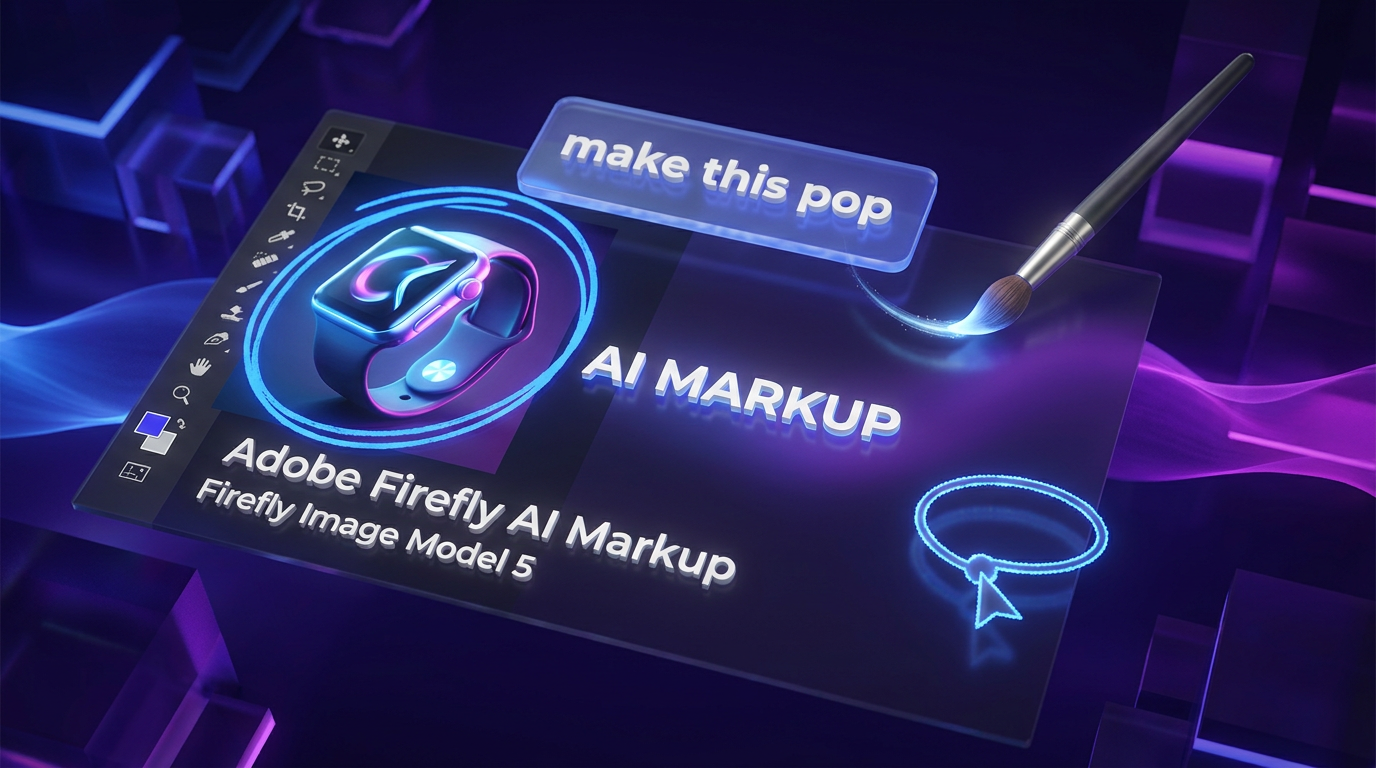
Adobe Firefly AI Markup: Finally, Less Chaos!
4w agoTap to summarizeToday on Blue Lightning AI Daily, Hunter and Riley take a no-hype tour of Adobe Firefly’s new AI Markup tools, now paired with Firefly Image Model 5’s four-megapixel native output. Discover how 'point here' editing lets you circle, brush, box-select, or drop instructions directly on the canvas—no more endless text prompts that nuke your entire image. The team explains how this update shifts Firefly from being just a fun generator to a legit productivity booster for real-world creative workflows. Find out why these features matter for creators who survive on endless revision rounds, what types of edits still break first, and how Firefly’s enhanced local editing saves time for social teams, agencies, and anyone making thumbnails, ads, or ecommerce images. Plus, learn what traps to watch for—like QA needs for brand logos, text, and fine details—and why higher image resolution finally matters for shippable assets. Don’t miss this breakdown of how the latest AI tools are moving from 'cool demos' to 'deadline-ready,' and why the future of creative work is about more control, fewer misfires, and keeping the designer bottleneck at bay. If you’re tired of “prompt roulette” and want more predictable results, this one’s for you.
Transcribe →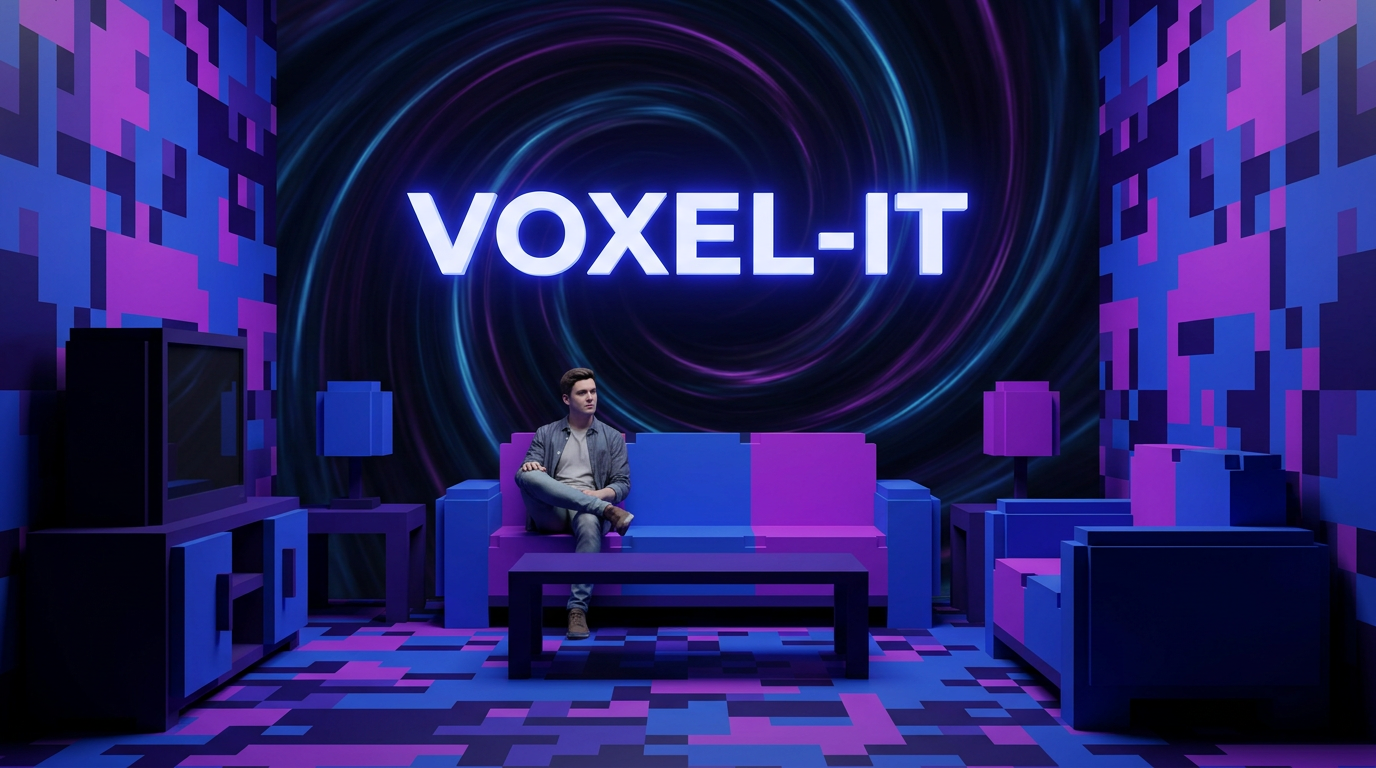
Pika's Voxel-It: Turning Real Life Into Minecraft
4w agoTap to summarizeToday on Blue Lightning Daily, we dive into Pika's bold new Skills launch, headlined by the Voxel-It feature. Imagine transforming any scene into a vibrant, Minecraft-style block world, while keeping people in the shot looking strikingly human. Hosts Hunter and Riley explore why Skills like Voxel-It might be the answer to creators’ prayers: punchy effects you can apply instantly, with no more prompt wrangling or waiting for the next massive model drop. The episode covers how this shift puts creators in the driver’s seat, emphasizing fast format changes and consistent visual identities for series, while making daily content less repetitive. We'll discuss how Pika’s selective voxelization keeps faces lifelike to avoid the dreaded uncanny valley, and why that single choice might be the secret sauce for TikTok and Shorts creators eager for new looks that won’t tank engagement metrics. You'll also hear some real talk about the tradeoffs: preset-heavy tools are faster, but advanced creatives may want more control. We wrap with predictions about how Skills can evolve, the risks of stacking effects, and whether this move will make meme trends cycle faster or help lasting formats emerge. Whether you're curious about boosting your content pipeline or just love new creative tools, this episode covers the AI-driven future of video remixing—one blocky background at a time.
Transcribe →
Google’s Omni Flash & Nano Banana: Faster Than Fast Content
4w agoTap to summarizeGoogle is changing the pace of AI creativity by shifting from the pursuit of perfect renders to raw production speed. In today’s episode, Hunter and Riley break down two major launches: Gemini Omni Flash, a conversational AI-model for editing short video clips quickly, and Nano Banana 2 Lite, an image generator designed to crank out drafts at record speed and low cost. The duo explores the idea of 'iteration density,' where success isn’t about chasing one masterpiece but generating piles of options you can refine and choose from. Short, modular video clips let creators assemble content like Lego blocks, not chisel away like sculptors, while super-cheap images make brainstorming and ideation faster than ever before. But with great speed comes new challenges: creative laziness, brand chaos, and the risk of endless indecision. The conversation covers how to set smart creative budgets, keep guardrails in place, use the tools for productivity rather than busywork, and why—despite all the AI—humans still need to direct, choose, and refine. If you’re a solo creator, this is about faster packaging: thumbnails, micro-ads, and quick edits. For teams, it’s about throughput, variant testing, and localization. Tune in and find out why Google is more interested in winning production calendars than art contests—and how that just might be the smartest move in today’s content ecosystem.
Transcribe →
Google Nano Banana 2 Lite: Fast Image Drafts, No Waiting
4w agoTap to summarizeToday on Blue Lightning AI Daily, we peel back the layers of Google’s wildest model name yet: Nano Banana 2 Lite. Is it a breakfast smoothie or an image AI revolution? This episode is fully machine-made and dives into why Nano Banana 2 Lite is not just another image generator. It’s Google’s bid to change how teams create: swap that hunt for the perfect render for a rapid-fire pipeline of 'good enough' drafts. With images generated in just four seconds and API access in Gemini, the real news is how fast, cheap, and scalable creative work has become. Who should care? Performance marketers, e-commerce teams, daily creators—anyone needing endless variants, quick turnarounds, and less waiting. But beware the quality trap: producing thousands of so-so options only works if your process for picking out winners is sharp. We talk tips for setting up a Lite-to-premium workflow, smart review strategies, and why 'taste' is the new moat in an AI world full of endless drafts. Plus, we break down the risks of automating creativity too far—guardrails and human review still matter! Bonus: Find out why the phrase 'possessed by an ad-tech demon' might belong in your brand guidelines. Tune in for all you need to know about Nano Banana 2 Lite, the new deal in fast, scalable image generation. Subscribe for more hilariously named, genuinely gamechanging AI news every day.
Transcribe →
Google Nano Banana 2 Lite: Drafts at Warp Speed
4w agoTap to summarizeToday on Blue Lightning AI Daily, Hunter and Riley unpack Google's new Nano Banana 2 Lite image model. This isn't your gallery masterpiece model—it's an image draft workhorse, built for anyone who needs tons of options, fast and cheap. We're talking image generation in about four seconds apiece, with the real challenge shifting to curation, not creation. If your workflow is 'generate two hundred, keep twenty, ship five,' Nano Banana 2 Lite is for you. But with infinite drafts comes a new set of headaches, from 'approval debt' and decision fatigue to brand drift and accidental content landfills. The team debates how to design workflows that are fast without turning creative into swipe culture, and how to set just enough guardrails so your brand still feels like your brand—even at warp speed. We also break down how creative, ops, engineering, and finance teams should actually roll out tools like this so nobody gets left out...or scared off by a budget line with "banana" in it. Learn where Nano Banana 2 Lite excels, where it breaks, and how it fits into the bigger trend toward modular, dynamic AI image factories for creators, marketers, and e-commerce. Plus: the ultimate meme strategy for creators facing infinite options—be faster, be weirder, curate harder. If you've ever thought "picture perfect" was overrated and "good enough by lunch" was the real hero, this episode is for you.
Transcribe →