Podcast
Blue Lightning AI Daily
Hosted by Ted Murphy · EN
Blue Lightning AI Daily is your go-to AI podcast for creators, delivering fast, focused updates on the world of generative AI. We cover the latest breakthroughs in large language models (LLMs), AI video editing, AI photography, AI audio tools, and creative automation. Each episode gives digital creators, content marketers, and creative professionals clear insights into how AI is transforming storytelling, production, and the creator economy. Stay informed, stay creative, and stay ahead with daily AI news made simple.
77episodes
Episodes
Newest firstAll episodes
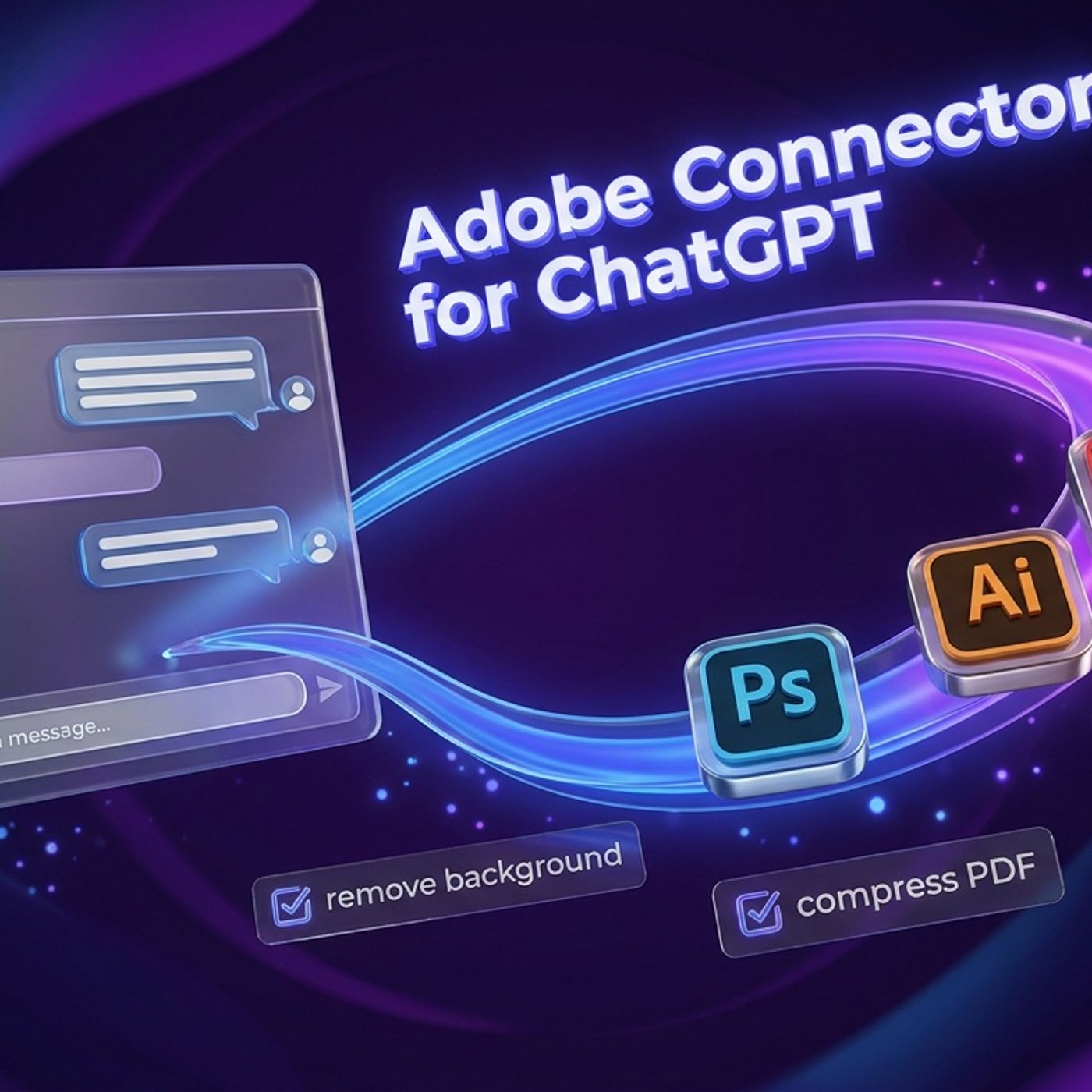
Adobe Connector Drops: ChatGPT Goes Creative Command Line
2d ago00:06:46Tap to summarizeToday on Blue Lightning Daily, we’re breaking down Adobe’s brand new connector for ChatGPT, a game-changing tool that turns chat into the front door for core Adobe tasks. Forget the app-juggling and file export detective work—now you can trigger background removals, resize, generate variations, handle those dreaded PDF chores, and more, right from chat. It’s a huge win for agencies, marketing teams, and solo creators who want their workflow to move at the speed of thought. But with great power comes great caution, as this connector also blurs lines on permissions, authorship, and quality control. Tune in for spicy takes, real-world advice, and a few hilarious AI fails. Discover why this isn’t Photoshop living inside ChatGPT, but rather chat becoming the creative command center for the modern era. We also zoom out to connect dots with other workflow streamliners like Gemini Notebook, Hailuo 3, SAGA, and OpenAI’s Responses API. Whether you’re a creator, an agency, or just tired of tab Olympics, you’ll want to hear how the frictionless conversation-to-output loop might save your sanity—or create infinite revision loops. Plus: best practices, unfiltered warnings, and why you should test automation on your most boring tasks before letting AI run wild on your masterpieces. Get ready for a crash course in the future of creative automation and what it means for your daily grind.
Transcribe →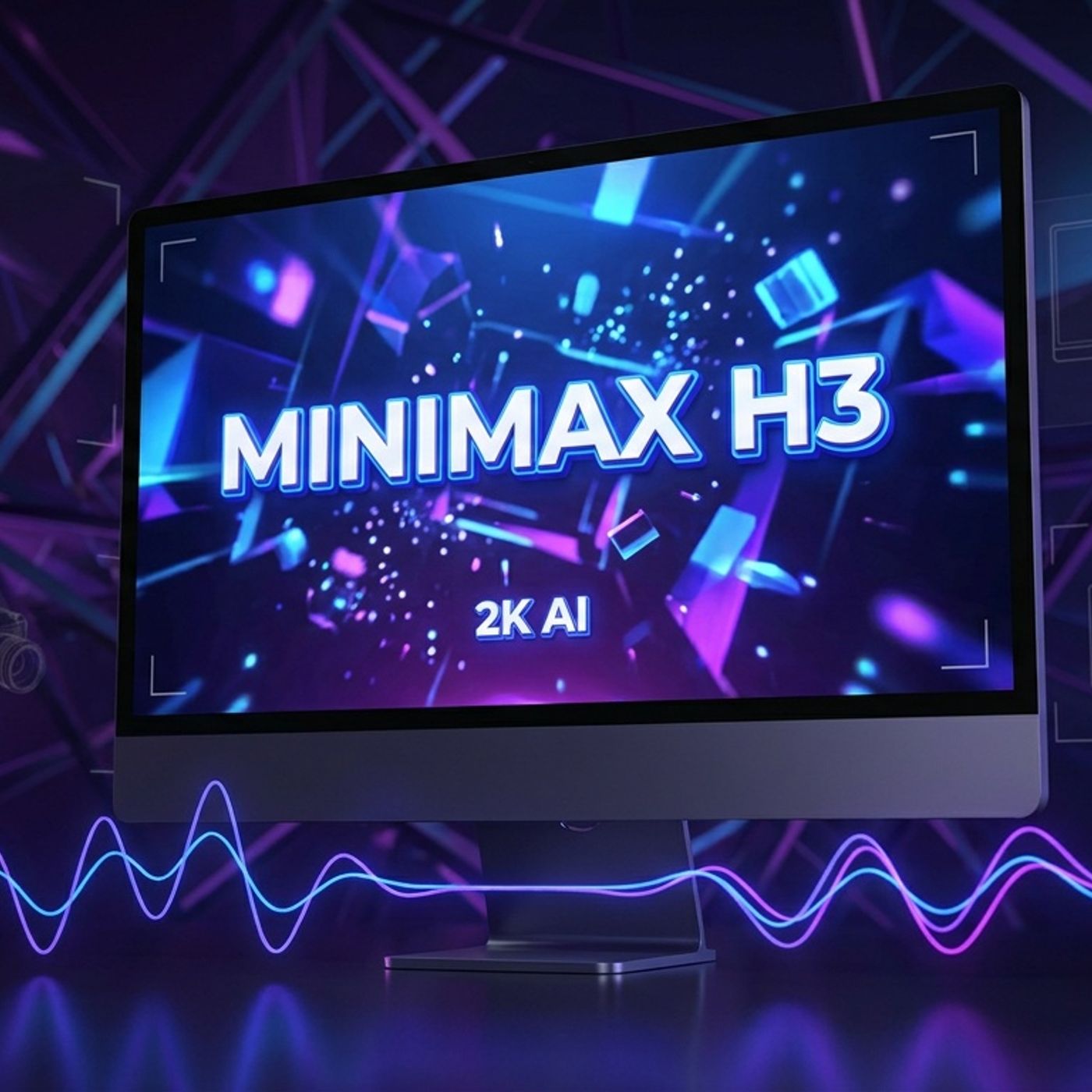
MiniMax H3: 2K AI Video with Native Stereo Audio Drops
1w ago00:07:31Tap to summarizeOn today’s episode, Hunter and Riley break down a game-changing update for creators: MiniMax just launched H3, also known as Hailuo 3.0. The headline? True 2K video output and synchronized native stereo audio in a single render. No more piecing together silent clips and out-of-sync sound—H3 aims to let editors jump straight from generation to editing. We dig into how this model compresses what used to be a frustrating, multi-app workflow into a simple generate-and-edit step. First and last frame reference, plus omni reference stacking, are about to give agencies, ecommerce teams, and content ops more control and repeatability than ever before. But what about audio quality? We share classic AI sound giveaways (from haunted stereo to too-polite footstep FX) and where humans still need to step in for that final polish. Plus, will H3’s possible move to open weights bring a wave of brand-new apps—and style copycats? How will provenance systems like SAGA and the push from Open Secure AI Alliance reshape trust and security across creator tools? Tune in for insights on templates, taste, and whether H3 really delivers the production magic creators have been begging for. If your pain has been “I generate video, then juggle three apps for audio,” this episode is your solution.
Transcribe →
SAGA and the Future of AI Video Attribution
1w ago00:08:23Tap to summarizeToday on Blue Lightning Daily, we explore how the new SAGA research system is changing the landscape of AI-generated video detection. Moving beyond simple real-versus-fake judgments, SAGA analyzes the unique fingerprints different AI video generators leave behind, even when watermarks are not present. This helps platforms, brands, and creators determine not just if content is AI generated, but which model it likely came from and what kind of generation process was used. Our hosts discuss the importance of provenance in a world where AI-generated videos are everywhere, the practical use cases for SAGA such as content disputes and vendor audits, and the growing problem of "model laundering" as people attempt to evade detection. With rapid advances in video realism from models like Hailuo 3 and evolving transparency tools from Google and OpenAI, attribution and verification are quickly becoming essential parts of the AI content pipeline. Expect smart discussion of how confidence levels matter, why attribution is infrastructure not a magic button, and what subtle quirks SAGA uses to spot which generator made what. Whether you are a creator, a brand manager, or just fascinated by content authenticity, this episode explains why finding the source matters more than ever.
Transcribe →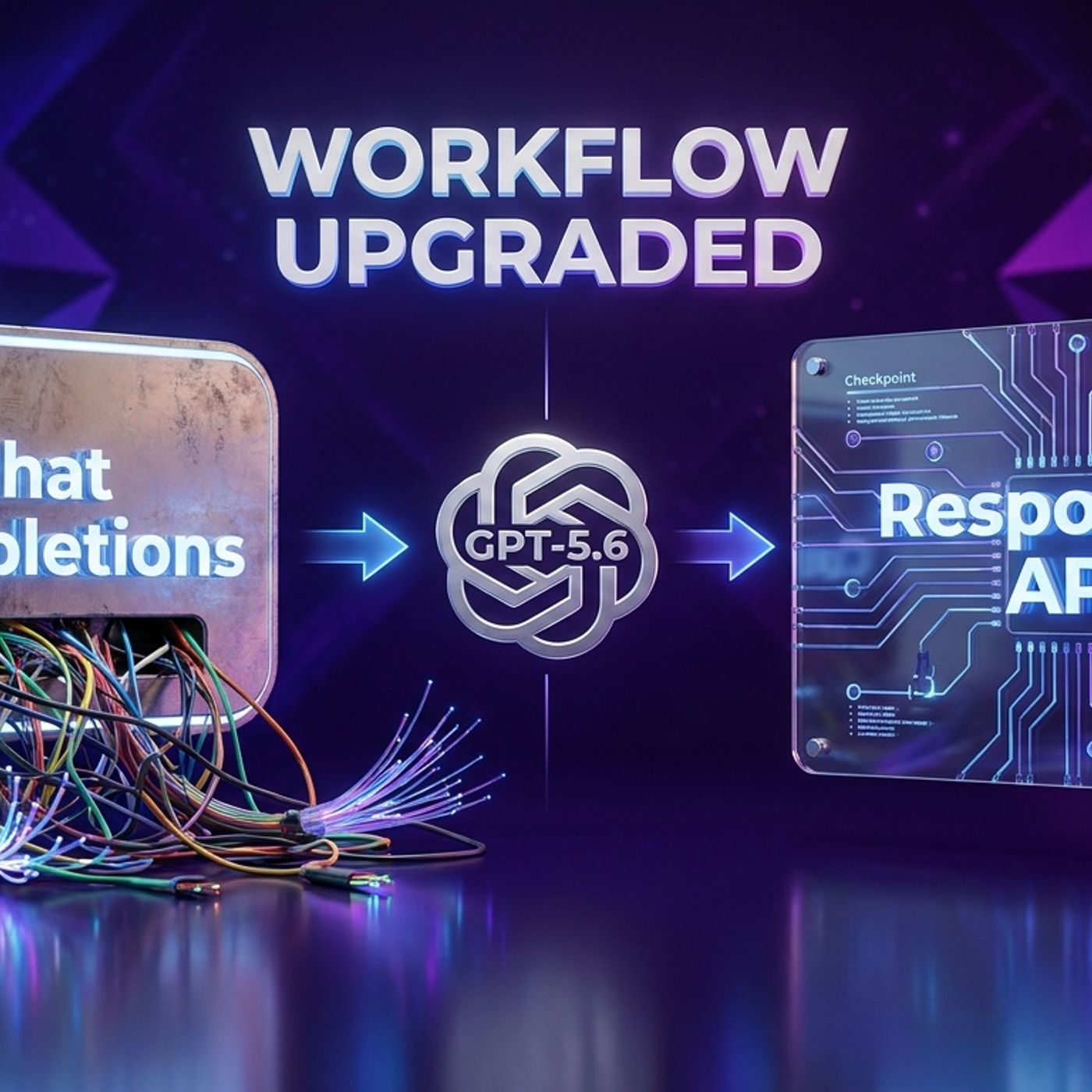
OpenAI Says: Stop Treating GPT-5.6 Sol Like a Chatbot
1w ago00:09:30Tap to summarizeToday, we dive into OpenAI’s spicy advice for developers and creators: stop using GPT-5.6 Sol as a basic chat widget and start leveraging its full agent powers. The new Responses API unlocks retained reasoning and context compaction, letting your agents keep plans and context across multi-step workflows—no model retraining required. We break down why dumping endless conversation history into your requests is sabotaging your content ops and how the new workflow preserves structure without drowning your agents in distraction and confusion. Learn how to safeguard mission-critical details from context compaction, harness continuity without letting mistakes persist, and why solid checkpoints and harness design are now the superpower of reliable AI pipelines. Plus, industry updates from Nvidia’s secure agent push, Google’s Gemini Notebook rebrand, and Meta’s Muse Image provenance rollouts. Get practical migration tips, pitfalls to avoid, and creator sanity-saving moves for both API pros and no-code tool users. The future isn’t just bigger models—it’s smarter infrastructure. Magic needs good plumbing. Join us for the AI pipeline glow-up.
Transcribe →
Hailuo 3 Hits Early Access: AI Video Gets Real
1w ago00:08:12Tap to summarizeToday we dive into the hotly anticipated early access launch of Hailuo Three, MiniMax’s new AI video model that just crashed the crowded generative video scene. With competitors like Runway, Kling, Pika, and countless experimental models floating around, Hailuo Three is making bold promises: longer clips, higher resolutions, and next-level face and prompt consistency. But does it deliver? We compare new features, wrestle with workflow realities, and debate what really wins creators’ trust: slick demos or boringly predictable stability. Plus, we share first reactions from early testers, break down what matters most for creators (spoiler: it’s not cinematic lighting), and get honest about the never-ending quest for prompt adherence and face-hold magic. We also scan the week’s ecosystem shakeups from Adobe Firefly Boards to Meta Muse Image and Google’s Gemini Notebook updates, plus a look at security trends with Nvidia’s Open Secure AI Alliance. If you’re a creator wondering how to stress test a new model, build a flexible workflow, or just want to laugh about AI hands, this episode is for you. No tool loyalty, no hype, just real-world takes on AI video in 2026.
Transcribe →
Nvidia's OSAA: The AI Security Squad Creators Need
2w ago00:08:35Tap to summarizeToday on Blue Lightning Daily, we break down Nvidia’s headline-grabbing launch of the Open Secure AI Alliance, or OSAA. This new coalition, joined by tech giants like Microsoft, IBM, Cisco, Salesforce, Hugging Face, and more, is aiming to make AI security as standardized as HTTPS—no more complicated, duct-tape security for your mini agent factories. We talk about audit logs, supply chain sanity, and why giving every AI agent the same permissions as your most trusted team member is a recipe for chaos. Learn how OSAA wants to move AI from vibes-based pledges to real infrastructure: open standards, traceability, and practical frameworks that anyone can inspect—and hopefully, actually uses. We also cover why open source isn’t automatically secure, how AI supply chains get messy, and why even scrappy creator teams stand to benefit from these security guardrails. Plus, we take quick side trips through Google’s Gemini Notebook, Meta’s Content Seal with Muse, Adobe’s Firefly updates, and discuss what could go wrong if alliances turn into endless committees. This is the episode for anyone building with AI who wants practical security tips and the inside scoop on why OSAA could change how your favorite tools keep you—and your brand—safe from AI gone wild.
Transcribe →
Google Gemini Notebook Aims for the Creative Desk
2w ago00:06:39Tap to summarizeToday on Blue Lightning Daily, we break down Google’s big move: rebranding NotebookLM as Gemini Notebook and leveling up from a basic summarizer to a full-scale creator production desk. What does that really mean? For creators and marketers, it signals a major upgrade: built-in code execution and the new Collections feature that lets you organize notebooks like playlists. We dig into why this matters for making content workflows faster and less chaotic, and where the biggest faceplants still happen. We also contrast Google’s approach with Adobe’s Firefly Studio beta, which is chasing unified creative workspaces, and Meta’s Muse Image, which is staking its claim on agentic editing. The ecosystem race is on—Google wants to rule research and analysis, Adobe’s eyeing the creative studio, and Meta’s tailoring tools for the social factory floor. Back to Gemini Notebook: what’s great, what’s awkward, and when will code execution be available for your whole team? Plus, practical examples of how you can go from messy spreadsheet exports to instant clean charts and summaries, all inside Gemini. We wrap with clear advice for solo creators, marketers, and agencies on making the most of these new tools—without turning your workflow into another maze of tabs or rituals. If you’re tired of copy-pasting your way through a project and want source-grounded AI that plays nice with your research, this episode is for you.
Transcribe →
Adobe Firefly Boards Adds Gemini Omni Flash Power
Jul 800:05:54Tap to summarizeToday on Blue Lightning AI Daily, Hunter and Riley dive into Adobe Firefly Boards' newest trick: you can now generate creative concepts with Google’s Gemini Omni Flash model straight from within Adobe itself. Switching between engines is as easy as a dropdown, letting creators compare AI outputs side by side—all inside the same project, no more frantic tab juggling and renaming files like "final_final_NO_SERIOUSLY.png". Omni Flash, built for lightning-fast image generation and conversational steering, speeds up early-stage brainstorming so you can explore more options without the usual wait. The hosts discuss why “speed changes behavior,” letting you work through more ideas and choose not just the least flawed output, but something you actually like. But as the playground grows, so does the chaos: too many model options can be paralyzing, so the episode breaks down practical rules to avoid descending into endless A B tests. Use Omni Flash for broad, exploratory sketches and switch back to Adobe’s tools for polish and brand precision. Plus, some hard truths: fast AI acceleration means mistakes move faster too. No AI model replaces careful quality control or the human sense of taste. Also in today’s episode: a robot gets “arrested” in Macau, and Fudan University turns AI-stumping into an exam sport. If you’re a creative or marketer wanting less context switching and cleaner workflows—or just want to keep up with the exploding multi-model AI universe—this episode’s for you.
Transcribe →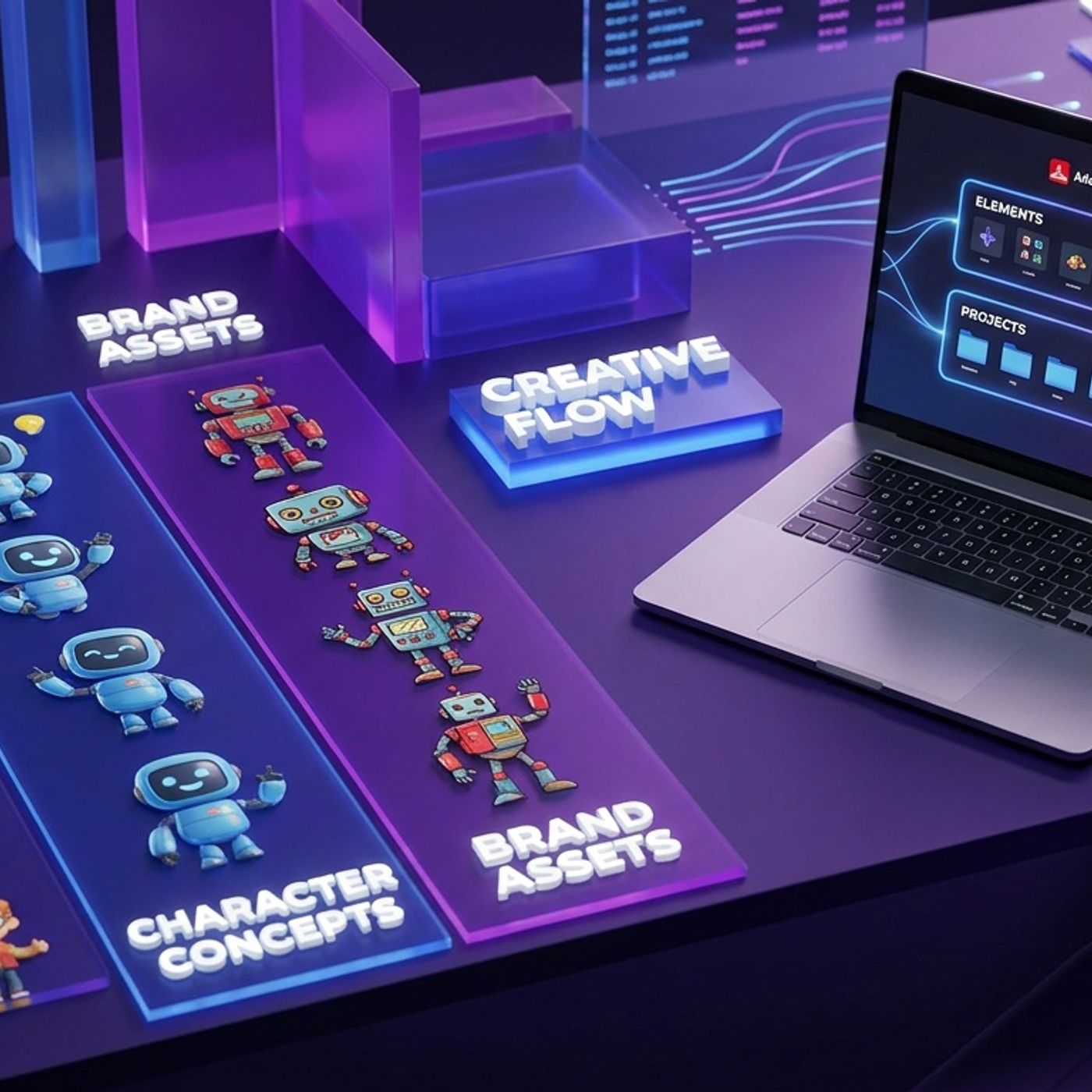
Adobe Firefly Studio Beta: Consistency in Creative AI
Jul 700:07:42Tap to summarizeToday on Blue Lightning Daily, Hunter and Riley dive into the beta launch of Adobe Firefly Studio, Adobe's ambitious new creative AI workspace. Rather than offering just another single-click image generator, Firefly Studio is shaped to tackle two of the biggest headaches for creators: workflow fragmentation and keeping characters or branded elements consistent. Learn how Firefly Studio’s two major features, Elements and Projects, promise to simplify multi-stage content creation, make recurring characters actually look the same across scenes, and bring true versioning and asset organization to generative workflows. We discuss who should care about this beta release, compare it to rival AI creative tools from Google and Pika, and debate what it will really take for Firefly Studio to replace the dreaded maze of 'final_final_v2' files and endless folder chaos. If your work depends on repeatable creative results rather than random outputs, and you are tired of AI-generated mascots changing faces between scenes, this episode is for you. Join us for a fast take on why operational consistency—not just smarter models—is the real AI upgrade the industry needs.
Transcribe →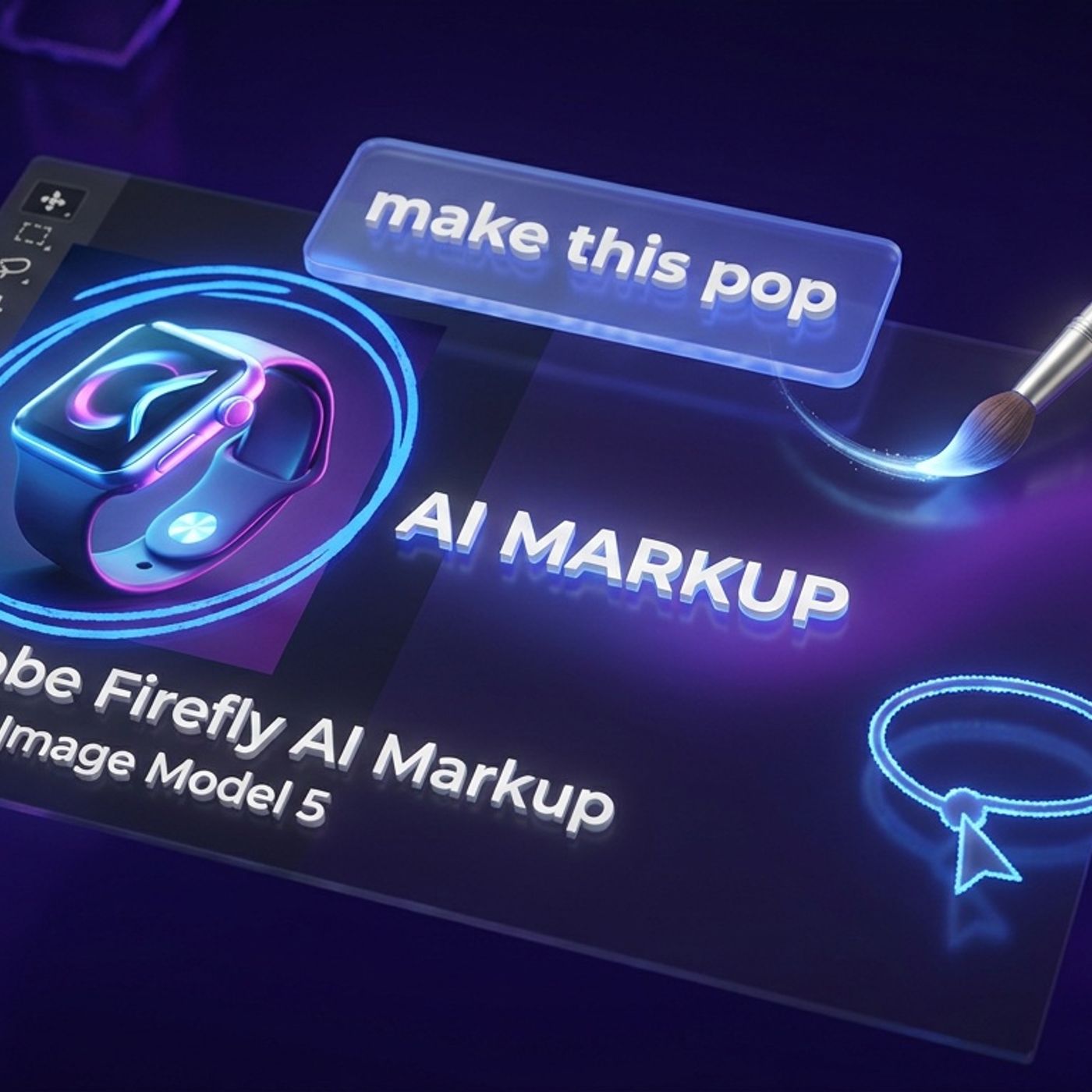
Adobe Firefly AI Markup: Finally, Less Chaos!
Jul 600:06:29Tap to summarizeToday on Blue Lightning AI Daily, Hunter and Riley take a no-hype tour of Adobe Firefly’s new AI Markup tools, now paired with Firefly Image Model 5’s four-megapixel native output. Discover how 'point here' editing lets you circle, brush, box-select, or drop instructions directly on the canvas—no more endless text prompts that nuke your entire image. The team explains how this update shifts Firefly from being just a fun generator to a legit productivity booster for real-world creative workflows. Find out why these features matter for creators who survive on endless revision rounds, what types of edits still break first, and how Firefly’s enhanced local editing saves time for social teams, agencies, and anyone making thumbnails, ads, or ecommerce images. Plus, learn what traps to watch for—like QA needs for brand logos, text, and fine details—and why higher image resolution finally matters for shippable assets. Don’t miss this breakdown of how the latest AI tools are moving from 'cool demos' to 'deadline-ready,' and why the future of creative work is about more control, fewer misfires, and keeping the designer bottleneck at bay. If you’re tired of “prompt roulette” and want more predictable results, this one’s for you.
Transcribe →