Loading summary
Transcript39 lines
- [00:01]
A
When technology isn't your favorite thing, it can be hard to find tools to make your life easier without the frustration of learning something complicated. In this episode, Sam Seavey from the Blind Life joins us to explore a few options. I'm Ricky Enger, and this is Hadley Presents. Welcome to the show, Sam.
- [00:22]
B
Hey, Ricky. Thank you so much for having me back.
- [00:24]
A
Yes, indeed. We didn't scare you away the first time, so I'm really happy to have you back. I imagine that most of our listeners know who you are, but there might be one or two who don't. So for that group who's a little newer to things and haven't discovered you yet, why don't you tell us a bit about yourself and your channel?
- [00:49]
B
Sure. Absolutely. Well, my name is Sam Seavey. I am an assistive technology specialist based in Kentucky. I run an AT program at a nonprofit here in Kentucky. But most people probably know me from my YouTube channel, where for 12 years now, which is kind of crazy, I've been creating content online, sharing my life, living with vision loss and with a heavy focus on assistive technology. That's what I do for a living, and that's what I love. And I love talking about it and sharing that on my YouTube channel. And so the Blind Life YouTube channel has become a great resource online for information about assistive technology for all types of vision impairment.
- [01:34]
A
Fantastic. And of course, we will have a link to that in the show notes, if you haven't checked that out before. And I'm so happy to have you here because I think you and I probably have similar conversations with people as you're doing things for your channel and as you're kind of doing your day job, as it were. I bet you have a lot of conversations, just as I do with people who are not in love with technology. It's a little bit intimidating, but they still are thinking, well, you know, I want to try out a few things, hoping to make things a little easier on myself. So I wonder if you have just a couple of ideas for something that's really beginner friendly, not super complicated, that people can start with just to get that feeling of success. Right?
- [02:27]
B
Yeah, they just want to. They just want to dip their toe in the. The technology world.
- [02:31]
A
Right? Exactly.
- [02:33]
B
Yeah, yeah, yeah. You're absolutely right. That's. That's the main group that I work with, especially at the nonprofit where I work is it's usually people losing vision later in life due to some, some reason. And so they're brand new to this. They have no idea about it. They don't know how to navigate those waters. And a lot of them, they don't necessarily want to dive fully into this, into this world.
- [02:59]
A
Yeah.
- [03:00]
B
And they don't, you know, they don't have these, these grand goals of, you know, I'm going to be a tech wizard and know everything. They just want to, they just want some solutions for everyday life.
- [03:11]
A
That's exactly right.
- [03:12]
B
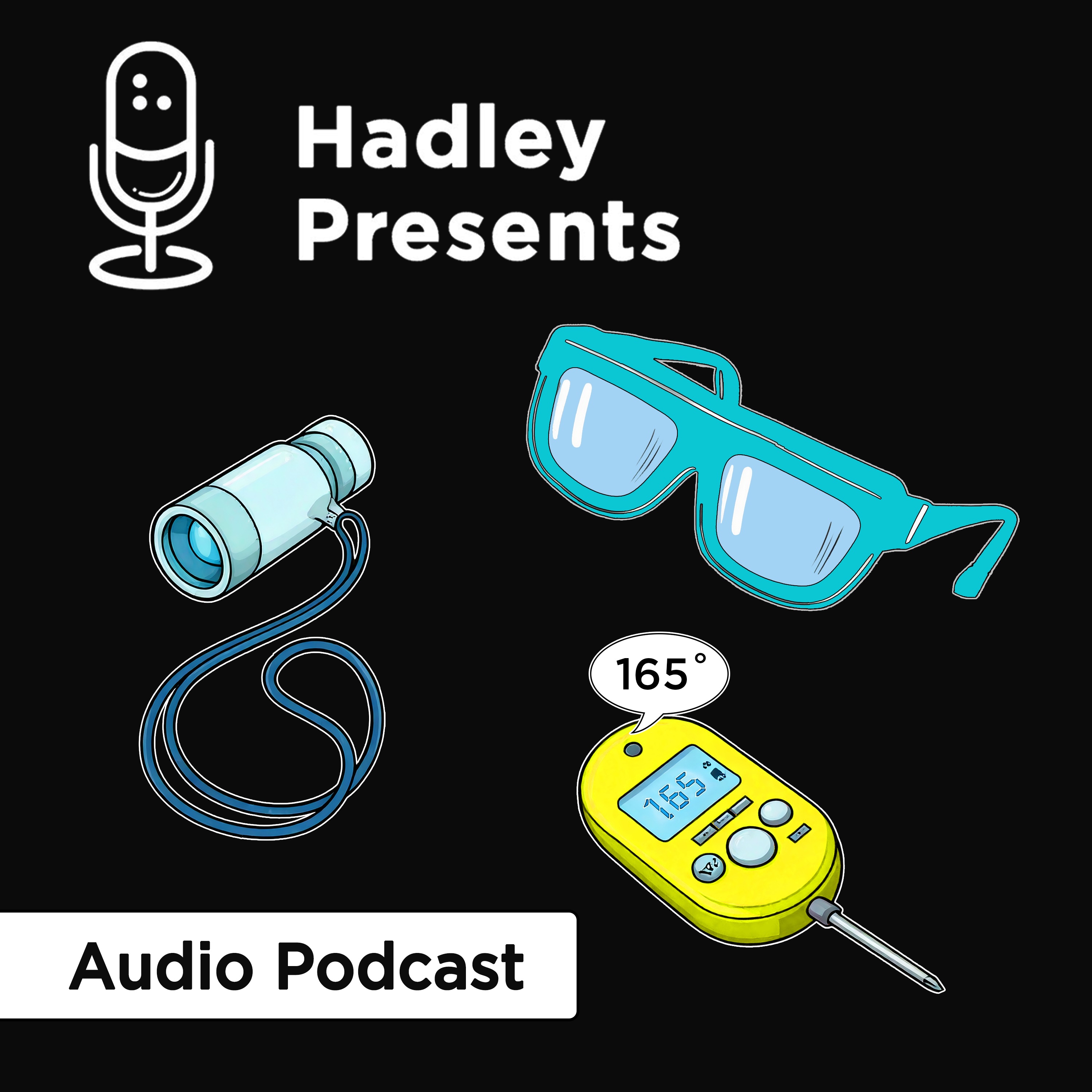
Yeah. And so I, I love to focus on those types of things. And one thing I, especially for people with low vision, one thing I recommend quite often is the, the, the old school tried and true monocular. It's, it's one of the first tools that you're introduced to when you start to lose vision and can be very helpful for a wide variety of things. A monocular, if anybody's curious, is, well, just, just one half of a pair of binoculars. You take one of them like a telescope and shrink it down to something handheld, something portable, and you've got a monocular. But they're super versatile. They can be used for distance viewing, they could be used for near viewing. I know a lot of people that will use them to see their computer screens, to read with, to watch television. It's just a wide variety of things that they could be useful for.
- [04:09]
A
And it's so portable. Right. It's handheld so you can easily take it with you if you're going to go maybe to a restaurant and you're trying to read the menu across the room, for example, or I mean anything that you're doing where you just need that closer look.
- [04:26]
B
Yes. Yeah. And oftentimes you can even get, put them on a lanyard, wear them around your neck. They're very low key, you know, they just fit in the palm of your hand. So if you're, if you're concerned about being out in public using some type of big bulky attention drawing device, you don't have to worry about that with it with a monocular. So I love those. The other thing that I wanted to mention too is I love the gadgets that you can use in your home to, to help with those everyday tasks that maybe you enjoyed doing before you started losing your vision and now you're struggling with. One of my favorites, absolute favorites, and was a game changer for me in my life is a talking food thermometer.
- [05:11]
A
Oh yeah.
- [05:12]
B
It's so simple and once again it's kind of old school but can be a huge improvement in your life. You can imag cooking certain foods like chicken. Chicken's probably the biggest one for us. Previously I Might be able to just look and cut it open and. Okay, no pink. All right, we're good. But I can't do that anymore. So being able to put the thermometer in there and push a button and have that temperature read out loud to me and knowing that, okay, chicken, 160, 165. As long as you're above that Fahrenheit, you're over that, you're good, it's safe. It just brings a lot of peace of mind.
- [05:49]
A
Yeah, that's a really great example because so much of what we talk with people about is those practical, everyday things that maybe you didn't think about before and suddenly you're faced with, how do I figure out if that's done yet or not? So, yeah, we'll have links in the show notes to a couple of examples of both those tools that you just mentioned. Some great examples. I think sometimes people maybe need that extra little motivation. It's one thing to say, well, I need to learn such and such, and it feels like a thing that's on your list that you'll get to. And when it's kind of in that vein, it's like you dread it in a way because it's something that you've got to fit in time for and so on. But if you have a motivation for learning something, I think that changes the conversation a little bit. Right. So do you have some thoughts for things that have been made a little bit easier for you when it comes to technology that might actually be motivators for people?
- [07:07]
B
I run into this all the time. I'm sure you guys do as well, especially working with, like I said, people that maybe aren't, aren't tech savvy and they're new to all of this. And we're trying to stress to them how helpful this would be. You know, if we just dedicate some time to it, it's going to be incredibly helpful for you. But I always like to point out that, you know, it can be overwhelming, especially when you're like, okay, we're jumping on the computer and we're going to learn this, or we're learning the smartphone. And then you start to say, oh, it can do this and it could do that, it can do this and here's where it can help you. And it can be overwhelming for this, this new user. So I always like to stress, okay, baby steps, you don't have to learn all of this right now. I do this a lot whenever I'm teaching mobile screen readers because that's one of the things I work on a lot with, with, with clients is learning a mobile screen reader, like voiceover talkback. And I say, you know, it can do a lot of things. There's a lot of gestures. Two finger, three finger, four finger, you know, zigzag, swiping, double tapping, triple tapping, all of this stuff. But you don't need to know 99% of that. I've been using it for years. I'm an expert on all these things and I don't even use 99% of that stuff. Let's focus on the foundational skills, the fundamentals here. These three gestures. That's 95% of what you're going to need, is these three gestures. So let's just. Baby steps, let's take it slowly and just focus on this right now and then we can build on the other stuff later. But I think that helps for a lot of people. It, it kind of helps to calm the anxiety and put it a little bit into perspective.
- [08:44]
A
Absolutely. And if you say, you know, at the end of this, you'll be able to, I don't know, text your grandkids or, you know, maybe call an Uber or whatever it is that is that practical thing, thing you've been hoping to do. The end goal isn't to learn the gesture, it's to do the thing with the gesture. Hey, I can use my phone to actually make phone calls. Imagine that.
- [09:11]
B
Yeah, yeah, I have to, I have to do that. Quite often working with clients, they say, well, I just want to. I just want to be able to delete emails. I was like, okay, yeah, I get that. But I'm going to teach you these gestures first because then you'll be able to delete those emails, but you'll also be able to go on Facebook. You'll also be able to check your voicemail. It opens up a whole other world of possibilities as soon as we just learn these couple of little gestures.
- [09:36]
A
Absolutely. So you have mentioned a couple of tools that have been around forever. Certainly a monocular has. And the smartphones have really come into their own in the last few years, and it seems like everyone has one. But sometimes there's some new things that are also worth checking out. It's not always just. It's a flash in the pan. It's a lot of hype. And then suddenly, who cares about that technology anymore? Are there any new gadgets or apps that have come about relatively recently that you think this is actually worth getting excited about?
- [10:23]
B
Well, yes. And of course, this is what I love to talk about that, the cool new future tech and assistive technology. I, you know, there's, there's a lot of really, really interesting things that are in development right now and have come out recently. Who knows whether they will stand the test of time and become those, those tried and trues sometime in the future. But they're really cool right now and some things are. Well, there's a lot of new wearable devices that are coming out, like the Meta Ray Ban Smart glasses have been out for a couple of years now and that's really gotten a lot of excitement in our community.
- [11:07]
A
Oh yeah, we get a ton of calls on those.
- [11:09]
B
Oh yeah, yeah. Those definitely get the most views out of my videos recently is the Meta Ray Ban videos. So that's pretty exciting. Actually. Envision, which is a company that also creates wearables, they just announced a partnership with Solos, who is a company that makes smart glasses, to bring out a similar product as the Meta Ray Ban smart Glasses, but one that's developed specifically for the blind and visually impaired community. So that's pretty exciting. There's a lot of really cool navigational devices that have come out recently. Of course, the WeWalk Smart Cane version 2 came out last year and that was a vast improvement, in my opinion, over the previous version of the WeWalk smart cane. So that's really looking pretty, pretty interesting as well. I, I tell you, I was just at the NFB conference in New Orleans. There was a company there from Japan. I think they were a, a subgroup of Honda, and they were debuting these, this navigational device that fits inside your shoes.
- [12:21]
A
Oh, wow.
- [12:22]
B
It provides haptic feedback for navigation. So it's connected to an app on your phone and you put in your destination, say, I want to go to Starbucks. And it will do turn by turn navigation, but you will feel the haptic vibrations in your shoes telling you which direction to go. It was pretty interesting, maybe kind of quirky, maybe gimmicky, but in theory it keeps you hands free. You can hold on to your cane, you can hold onto your groceries, you can hold onto your guide dog and you're still getting that, that feedback, right?
- [13:00]
A
And nobody knows.
- [13:01]
B
Yeah, yeah, exactly, yeah. And very intuitive. I got a chance to test it out and walk around and it was, it was very quickly. I could pick up, you know, how to use it and how to, how to interpret it, and it worked really well. So who knows, maybe someday in the near future we'll have our clothing will vibrate telling us where we need to go.
- [13:22]
A
That's really fascinating. So, you know, I'm kind of surprised we have made it through an entire conversation and we haven't used AI. We haven't said that word once. Now, now it's time to change that. Because you can't go a single day without hearing someone say something about AI. And I think it's difficult if you are on the periphery of this. Like, you don't know a lot about it, but everyone is talking about it. It's difficult to figure out how much of this is important, how much of this would be useful for me, and how much of it is just talk. So I'm wondering if you can just mention a couple of ways that AI is legitimately useful for the blind and low vision community.
- [14:15]
B
Yes, AI, that's the hot new thing everyone's talking about. They seem to be throwing it into every product these days. But it legitimately does have a place in assistive technology. You know, I talked about it before where I think AI, the adoption of AI in assistive technology will be one of those defining moments in assistive technology. You know, when we look back in history, you could think of like, like Louis Braille inventing Braille, Kurzweil and the text to speech developing that. I mean, even video magnification has, has had a great impact in our world. Refreshable Braille displays, all of these things. I think AI will be one of those landmark inventions in assistive technology because it has the potential to help in so many different ways. It's. It's literally like having a personal assistant with you, a sighted supporter with you at all times, ready to read whatever you want to read, whatever help you find, whatever you're looking for is there. You know, you walk into a Starbucks. Okay, where's the counter? The counter is 15ft in front of you. Okay, Is there anybody behind the counter? Yes, there's a young lady waiting there to take your order. Okay, read the menu for me. Okay. What kind of chocolate items do they have available? You know, it's just whatever you need. I have a buddy who, he was using one of these AI apps. He went into Starbucks and, and he stood back and he took a picture and the Starbucks had multiple lines. And he said, okay, based on, on this image, which line do you think I should get into? Which will be the fastest? Oh, that's cool. It's like, well, based on, you know, how many people are into each line and the average time it takes for, you know, someone to get through a line, blah, blah, blah, blah, blah. I think you should go into the line on the right and it worked. And so it's just like whatever you need, whatever your imagination can bring up, AI has the potential to help with.
- [16:17]
A
Yeah. And even shopping. So those things that whether you like to do it or not, you have to shop for groceries or clothing or whatever it is. And AI can be helpful for those things, too. I think you're right that it is whatever you can imagine. But can AI help with this? And the answer is probably yes. It may help a little differently than you're imagining. So it's worth having those conversations that whatever you're thinking about with AI is probably possible. Just talking through how that's possible. So another one is grocery shopping. Like, can I do my entire grocery shopping with the meta glasses? Well, you could, but it's going to be a lot of, what am I holding? What am I holding? What am I holding? Do you want to say that 56 times or, you know, it's figuring out not only how it can work for you, but how it can work efficiently. But it's so great that there are so many options to explore, right?
- [17:18]
B
Yes. Yeah. And it definitely kind of comes back to that, that tried and true philosophy of it's another tool in the toolbox, but it's not the end all, be all solution for everything. You know, for, for example, grocery shopping. Yes, absolutely. It can help in a lot of situations. But, you know, you might also want to go in and see if somebody's there available that can help walk around with you, because it's going to be faster and more efficient that way. But truly, you know. Yeah, I get that question. Also, can it announce dynamic events? Tell me when bus 315 pulls up, because that's what I'm waiting for. Or, you know, I'm waiting on a lift and it's a. It's a Honda Accord. A blue Honda Accord. Tell me when a blue Honda Accord pulls up and. No, like you said, no, it can't do that. Least not yet. But it probably will very soon. And it's going to be incredible when it does.
- [18:08]
A
Absolutely. And that's the cool thing is that we're saying yet, because we know that these things are coming. And especially if people are thinking about how they want AI to be useful and asking those questions, then it becomes a reality at some point. Because people who are making these tools say, oh, I never thought AI could be used in that way, but now that I know, sure, let's try and refine that.
- [18:38]
B
Yeah, a great example of that is of AI being used in really, really interesting ways that people probably didn't even think of. There was maybe a year ago, two years ago, one of the car manufacturers put out this little demo video of a blind person riding in a car and sitting in the passenger seat. And while they were being driven down the street, an AI assistant voice was describing what was happening out the passenger window. So as they're driving along, it's describing the scenery and, you know, talking about going by an ocean and there's waves and there's palm trees and. And so imagine that you're, you're driving along and maybe the conversations kind of died down. You reach out, you push a button and it turns on the audio description for the world outside your window and you can just sit there and listen to what's going on outside. It's pretty incredible.
- [19:34]
A
Yeah, that's awesome. You're gazing at the scenery, so to speak. Well, I think it's fair to say that whatever it is that you are doing, whether you're brand new to figuring some of this stuff out, or whether you do want to become one of those people who dives into the deep end. And a lot of us start in one place where we don't love the technology and then suddenly, oh, it could do this, it could do that, and you become the other thing. But I think it's safe to say that there are tools out there for you. So it's an exciting time. And a lot of those tools you're taking a look at on your YouTube channel, right? Can you just go through two or three recent things that you have put on your channel so that people have an idea of what to expect if they've not visited it before?
- [20:30]
B
Yeah, absolutely. Well, I've done a ton of videos on the Meta Ray Ban smart glasses. I always make a video when a new update comes out. I have recently put out a video full review of the new Dot Pad X which is a new full tactile graphics and multi line braille display from the company Dot. And it's really, really crazy impressive. It can render full tactile graphics in a refreshable braille display. It's pretty awesome. And then I do a lot of podcasts. I have a podcast, the Blind Life podcast. So I feature a lot of the content that is featured on my YouTube channel, is also featured on my podcast, as well as interviews with amazing people in the community.
- [21:14]
A
That is awesome. So if you're listening, you'll certainly want to check that out for some low tech and high tech ideas of what might make your life a little easier. Sam, it has been wonderful having you today. It's been a great conversation. Thanks so much for exploring some of this stuff with us, and it's been a delight to have you back.
- [21:38]
B
Thank you so much, Ricky. I appreciate it. Yeah, it was my pleasure.
- [21:43]
A
Got something to say? Share your thoughts about this episode of Hadley Presents or make suggestions for future episodes. We'd love to hear from you. Send us an email@podcastadleyhelps.org that's P O D C A S T hadleyhelps.org or leave us a message at 847-784-2870. Thanks for listening.