← Optimal Finance Daily - Financial Independence and Money Advice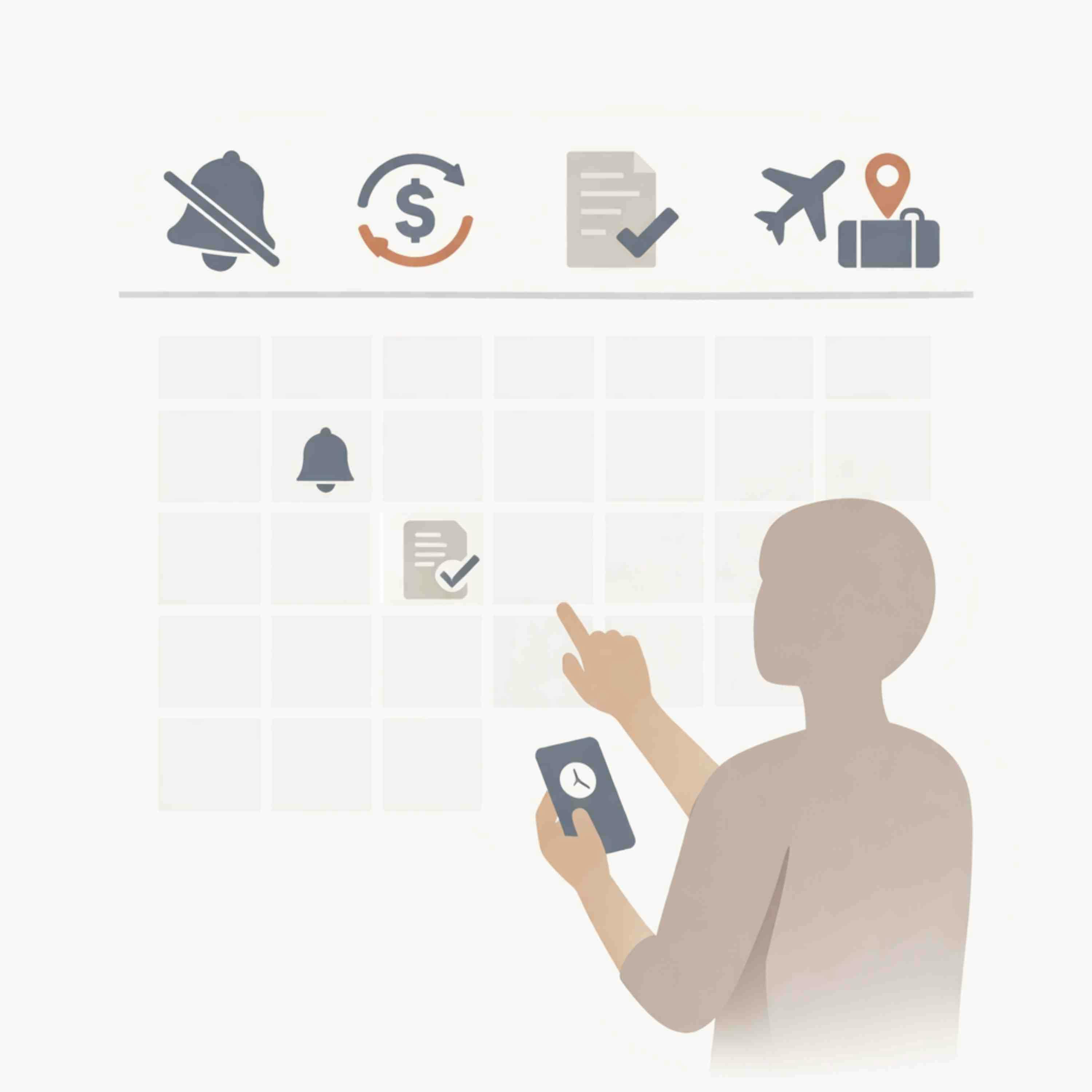
Optimal Finance Daily - Financial Independence and Money Advice
3471: 5 Google Calendar Tricks That Will Help You Save Money by Sarah Von Bargen of Yes and Yes on Budgeting Strategies
00:08:15
Sarah Von Bargen shares a surprisingly simple way to keep more money in your pocket, by using Google Calendar as a proactive financial tool.
Loading summary
Transcript14 lines
- [00:00]
Northwest Registered Agent / Odoo Advertiser
Starting a business means juggling a lot and not just what customers see. There's operating agreements, compliance filings and legal paperwork that all make up your business identity. That's a lot to manage on your own. Start your business with Northwest Registered Agent. They help you get more for your business, more privacy, more guidance and more resources. Northwest has been helping small business owners launch and grow their businesses for nearly 30 years. They're the largest registered agent and LLC service in the US with over 1500 corporate guides, real people who know your local laws and can help you every step of the way. With Northwest, privacy is automatic, they never sell your data and they give you free tools like operating agreements, meeting minutes and thousands of how to guides. Don't wait, protect your privacy, build your brand and get your complete business identity in just 10 clicks and 10 minutes. Visit northwestregisteredagent.com ofdfree and start building something amazing. Get more with Northwest registered agent@northwestregisteredagent.com ofdfree
- [01:12]
Sarah von Bargen
this is Optimal Finance Daily 5 Google Calendar Tricks that will help you save money By Sarah von bargain of yes and yes.org if you're looking for advice on budgeting, spreadsheets, coupon codes, or investing apps, this is not the blog post for you. When people ask me for money tips, they're pretty surprised when I tell them that one of my favorite money saving tools is Google Calendar. Or more specifically, setting up reminders in Google Calendar. If you're a human who has good intentions to cancel those free trial memberships, follow up on unpaid invoices or book flights when they're cheap. But then you just forget, keep listening. These tips are of course also applicable to Outlook, iCal, whatever online calendar system you use. 5. Google Calendar Reminders that will save you money A preface make sure you're setting up a reminder rather than an event. If you ignore the event, it'll pass and you'll forget about it. But a reminder will get kicked to the next day if you don't mark it as done. 1. Reminders to cancel free trials who among us hasn't signed up for the free 30 day trial, forgotten about it, and then realized six months later that we've been paying $17 a month for that thing we never use. We've all done it. Set this reminder for several days before the trial's actually up, so so you have a bit of wiggle room. If you start getting charged on June 1st and you set the reminder for May 31st, it's too easy to forget about it. Missed the cutoff and they started charging you. Contact them and ask them to refund you. I've had 100% success asking to be refunded, though I usually contact them within a day or two of that first payment going through. I'm not sure how much luck you'd have if you're three months past the end of a free trial. Either way, self advocacy is a muscle. The more you use it, the stronger it gets. Calling customer service is emotional weightlifting for
- [03:16]
Northwest Registered Agent / Odoo Advertiser
other areas of your life.
- [03:19]
Sarah von Bargen
Two Reminders that you should have received that check, rebate or refund by now. They said that refund would go through in five to 10 days. Did that ever happen? Weren't you supposed to have a check from that freelance client by now? Give your brain a break and just schedule these reminders into your calendar. Number three Annual Reminder to Price Check Pretty much every monthly bill you have. Has your Internet bill gone up? Does Verizon have a better deal than T Mobile? Make a list of all your monthly bills, order in some pizza and block out two hours to research competitor prices and make some calls. Does this make you feel cheap or awkward? It costs a company three times as much to convert a new customer as it does to retain a current one. You are in the position of power here, not them. Also, these are gajillion dollar companies. They can reduce your bill by $15 a month. It's fine. Reminders to reconsider annual subscriptions a month before they're due Lots of us opt for the discount that comes with annual billing versus monthly billing, right? And then we forget we even have that subscription or membership till we see the charge on our credit card bill. For example, if my planoly annual membership comes due on July 15th, I'll put a reminder in my calendar for June 15th to double check that I'm using the platform enough to justify the price and see if I'm already subscribed to another platform that does something similar. Number five Monthly reminder to follow up with potential customers, clients and employers when someone emails me about booking a coaching session, I reply with a loom video message and then move their email to my follow up folder. If I don't hear back from them in five days, I'll send them another loom. What do I do when coaching clients end our session by saying this was awesome. I'd love to book another one in three months or so. I'll put a reminder in my calendar for three months from now to reach out to them. You can do the same with potential customers, clients, or employers who said you were great, but they didn't have any open positions right now. And a bonus tip Reminder to book flights, hotels, events, etc. Have you ever waited till the last minute to book something only to discover that there's almost nothing left and the stuff that's left is really expensive? If you always do a friend's weekend at a cabin in August, don't wait till July to book it. Put a reminder in your calendars to start looking in March when there's more availability and you won't be stuck overpaying for more than you need just because that's what was open. There's a lot that goes into paying off debt, saving money and advocating for ourselves plus our bank accounts. But these Google Calendar reminders will really help. Get started by adding just one reminder to your calendar. Cancel a trial, follow up, reconsider annual subscriptions, or price checking. You just listened to the post titled 5 Google Calendar Tricks that will help you save money by Sarah von Bargen of yes and yes.org Carvana is so easy.
- [06:29]
Carvana Advertiser 1
Just a click and we've got ourselves a car. See so many cars.
- [06:34]
Carvana Advertiser 2
That's a clicktastic inventory.
- [06:36]
Carvana Advertiser 1
And check out the financing options payments to fit our budget. I mean, that's Clickonomics101 delivery to our door.
- [06:43]
Carvana Advertiser 2
Just a hop, skip and a click away.
- [06:45]
Carvana Advertiser 1
And what?
- [06:46]
Carvana Advertiser 2
No better feeling than when everything just clicks clicks. Buy your car today on Carvana. Delivery fees may apply.
- [06:57]
Northwest Registered Agent / Odoo Advertiser
Imagine you're a business owner who has to rely on a dozen different software programs to run your company. Each one is expensive, overly complicated, and
- [07:05]
Sarah von Bargen
worst of all, none of them are connected.
- [07:08]
Northwest Registered Agent / Odoo Advertiser
Now imagine a platform that could tackle all of your business management needs in one place. That platform you're imagining, it's Odoo. Odoo has all the programs you'll ever need and they're all connected on a single, simple, easy to use software, giving you peace of mind that your business is always being taken care of from every angle. Odoo assists in accounting, marketing, inventory, hr, CRM, manufacturing, and everything in between through its user friendly interface and open source applications. Basically, if your business needs it, Odoo's got it. Odoo sounds pretty amazing, right? So stop wasting your time and money on those expensive disconnected platforms and let Odoo harmonize your business with simple, efficient software that can handle everything for a fraction of the price. It doesn't get much better than that. So what are you waiting for? Discover how Odoo can take your business to the next level by visiting odoo.com that's o d o o.com odoo modern management made Simple I'm a big fan
- [08:11]
Sarah von Bargen
of using technology to help make managing finances easier, and I thought these calendar tricks were brilliant. I've been using my calendar in this way as well as something called Asana, which I use for project management to make sure these details don't slip through the cracks. Another thing to keep in mind is the ability to share your calendar with others. This is an excellent feature to use with your family or roommates to ensure everyone's on the same page regarding bill payments, subscription renewals, and other shared expenses. It eliminates miscommunication and prevents confusion. You can also set reminders to log your spending daily or weekly to help you stay on top of your budget. Another thing I like to do is use my calendar or Asana to set reminders about things I want to buy. When I think of something I want to buy, sometimes I'll put a reminder in my calendar for a day or two later. This way I can take some time to think about whether I really need the item or if it's more of an impulse purchase. Simply writing it down and prompting myself to think about it later helps me be more thoughtful about purchases. And oftentimes I end up not buying that thing because the desire for it fades for a number of reasons. And that should do it for today. Thank you for being a subscriber or follower of the show and sharing it with others. It really goes a long way to keep this podcast going. Have a great rest of your day and I'll see you tomorrow where your optimal life awaits.