Podcast
Prompt and Circumstance
Hosted by David Vuong and Ilan Rotenberg · EN
Real professional product people review AI tools!
18episodes
Episodes
Newest firstAll episodes
Run LTX 2.3 locally on budget graphics cards
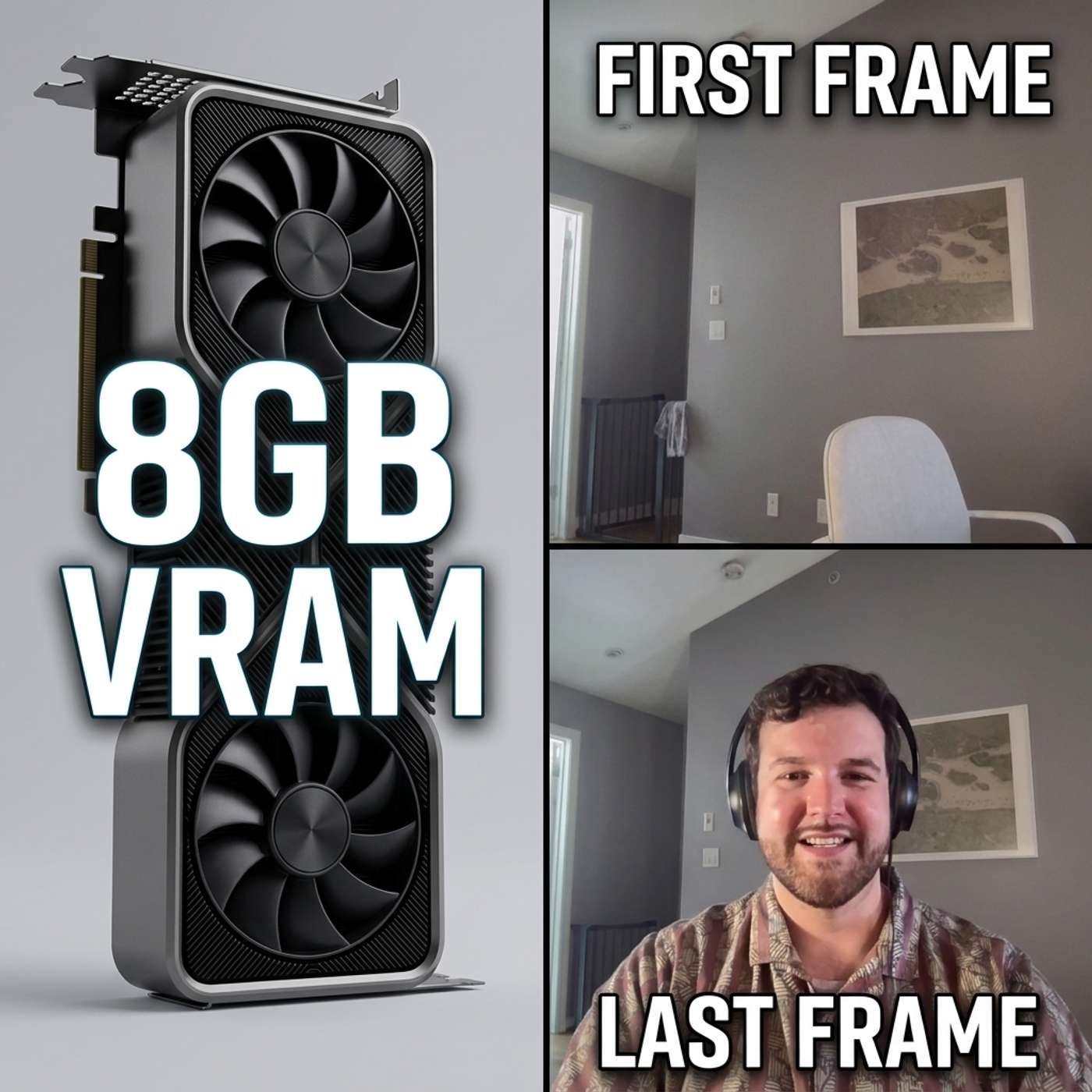
4w ago00:05:45Tap to summarizeHow to make a first-frame-to-last-frame video with LTX 2.3 in ComfyUI using just two images and a text prompt, running locally on consumer hardware.David walks through the exact ComfyUI workflow behind our last episode's intro: the FP8 quantized version of LTX 2.3 (so you don't need an enormous GPU), the FLF2V template, and how a single prompt tries to bridge your first and last frame into a 5-second clip. We also show what happens when the first generation doesn't listen to the prompt, why the noise seed matters, and how re-rolling, plus a Claude-refined prompt, changes the result.Important: LTX-2.3 video generation requires CUDA 13+ and an Nvidia GPUWhat's covered:• Where to find the FLF2V (first-frame/last-frame-to-video) template in ComfyUI• Downloading the right quantized LTX 2.3 + Gemma 3 models• Setting dimensions, FPS, and clip length• Writing and troubleshooting a video prompt• Why your seed affects the output more than you'd think• Using an LLM (Claude) to rewrite a weak prompt into a better oneChapters:0:00 Intro0:14 Building the Workflow in ComfyUI2:18 Setting the Prompt & First Generation3:06 Reviewing the First Result3:49 Troubleshooting: Seed & Reroll4:09 Second Attempt, Better Prompt5:09 Wrap-upMerch:https://devilwearsproduct.shopLinks:https://ltx.io/blog/run-video-generation-model-locallyhttps://github.com/Lightricks/ComfyUI-LTXVideohttps://ltx.io/model/ltx-2-3https://ltx.studio/ Click here to watch a video of this episode. Find Us:YouTube - https://www.youtube.com/@PandCpodcastBluesky - https://bsky.app/profile/pandcpodcast.bsky.socialX - https://x.com/_pandcpodcastInstagram - https://www.instagram.com/_pandcpodcastLinkedIn - https://www.linkedin.com/company/p-and-c-podcast#LTX2 #ComfyUI #AIVideo
Transcribe →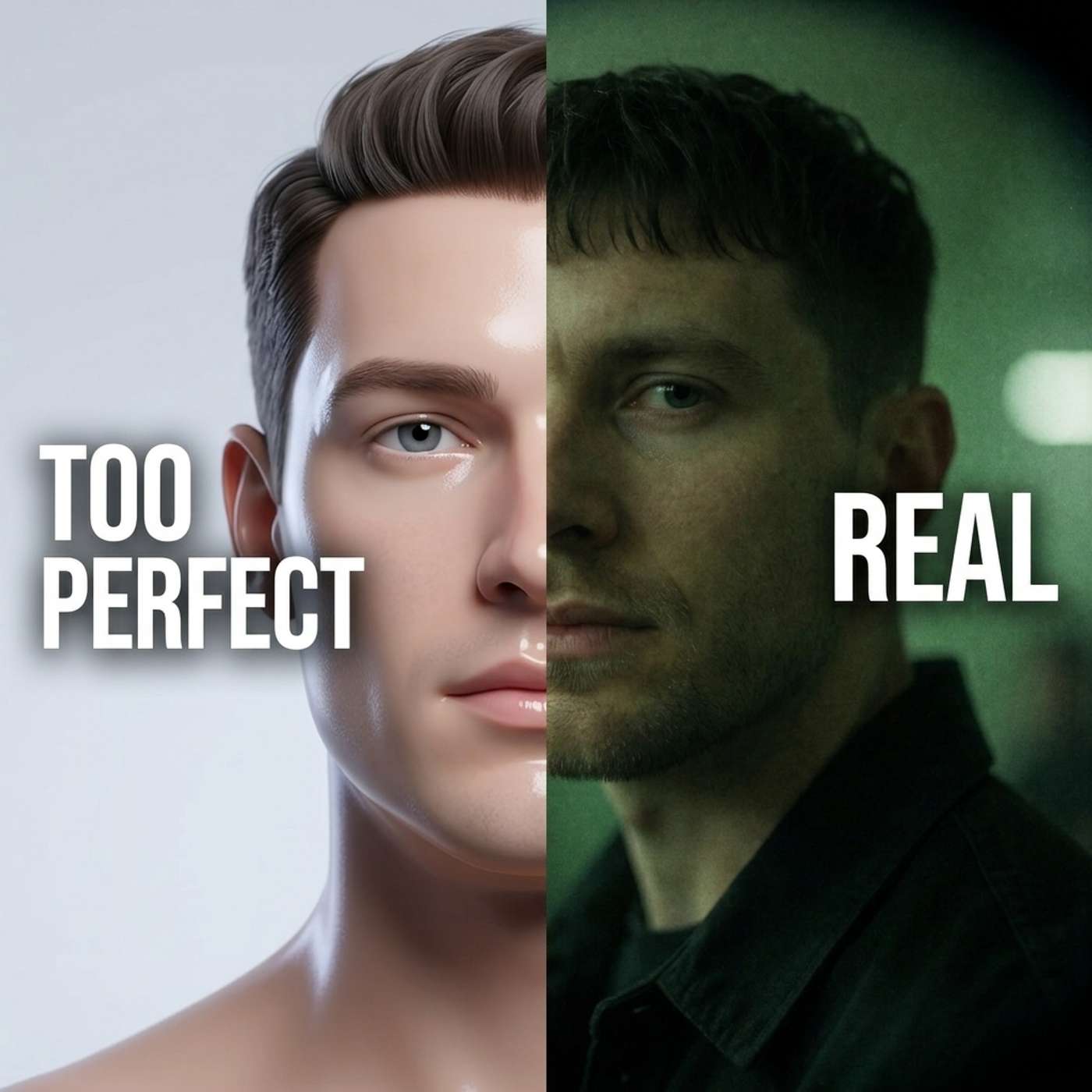
Limitless! Free, private, super fast image generator
Jul 700:07:54Tap to summarizeMost AI image models fight you when you want flaws. Krea 2 doesn't. We dig into why this open-source, locally-run model is so good at "imperfect" realism (fisheye distortion, blur, grain), then walk through setting it up in ComfyUI end to end: grabbing the template, downloading the missing models, and picking resolution by aspect ratio instead of raw pixels. It works well with text and the template workflow has built-in LoRA support!Chapters00:00 - Krea 2 Nails "Imperfect," Realistic Images00:51 - What Krea 2 Is01:15 - Setting Up the Krea 2 Template in ComfyUI02:25 - Workflow Options: Prompt Enhancement & Resolution03:42 - First Generation: Speed Test at 1 Megapixel04:24 - Scaling Up to 4K04:56 - Testing Text Rendering on a Whiteboard05:30 - Adding LoRAs for Style: The Rainy Window Example07:01 - Wrap-UpMerchhttps://devilwearsproduct.shopLinksKrea 2 - https://www.krea.ai/krea-2Krea 2 Open Source - https://www.krea.ai/krea-2-open-sourceKrea AI LinkedIn - https://www.linkedin.com/company/krea-ai/Krea 2 Licensing - https://www.krea.ai/krea-2-licensingKrea 2 Technical Report - https://www.krea.ai/blog/krea-2-technical-reportClick here to watch a video of this episode. Find UsYouTube - https://www.youtube.com/@PandCpodcastBluesky - https://bsky.app/profile/pandcpodcast.bsky.socialX - https://x.com/_pandcpodcastInstagram - https://www.instagram.com/_pandcpodcastLinkedIn - https://www.linkedin.com/company/p-and-c-podcast
Transcribe →
Do this to close loops with your AI agents
Jun 2300:09:53Tap to summarizeOpenClaw can move product monitoring from simple error alerts toward self-healing agent workflows. Ilan explains the progression and patterns to use to go from “agent notices an error and tells you,” to “agent diagnoses and recommends a fix,” to a guarded autonomous flow where agents clone, patch, test, and eventually promote fixes into production. The big idea: close the loop only as far as you trust the system, and optimize for the customer never feeling the bug.Chapters00:00 - Why Closing the Loop Matters for AI Agents03:00 - The Recommended Fix Flow: AI Diagnoses, Human Implements04:00 - The Current State: Two-Model Monitoring with Human Approval07:02 - The Fully Autonomous Flow: Clone, Test, Deploy07:56 - Proof of Fix and What Comes NextLinksOpenClaw - https://openclaw.ain8n - https://n8n.ioClick here to watch a video of this episode. Find UsYouTube - https://www.youtube.com/@PandCpodcastBluesky - https://bsky.app/profile/pandcpodcast.bsky.socialX - https://x.com/_pandcpodcastInstagram - https://www.instagram.com/_pandcpodcastLinkedIn - https://www.linkedin.com/company/p-and-c-podcast
Transcribe →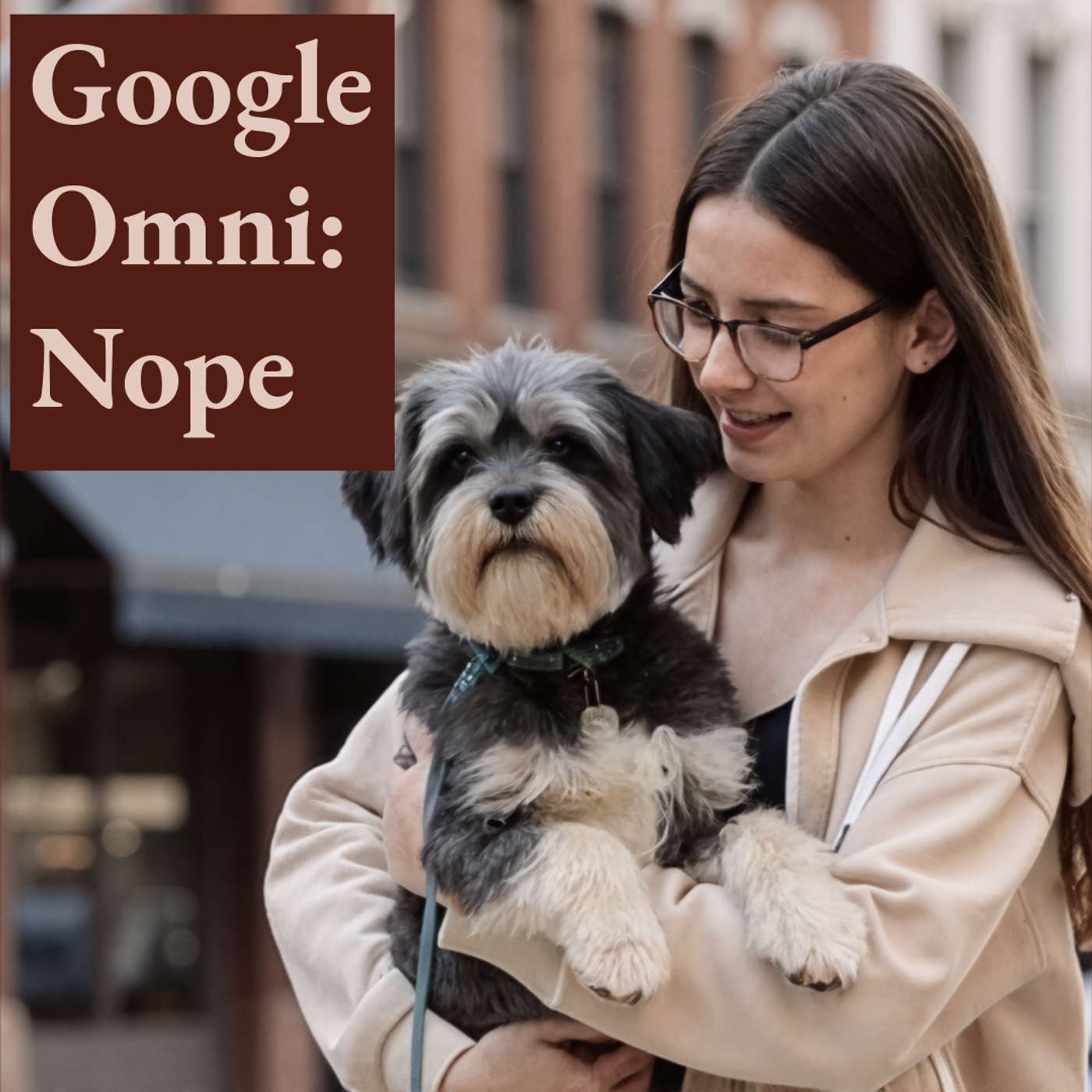
Is Google Omni worth your time?
Jun 900:11:41Tap to summarizeGoogle released Gemini Omni at Google I/O 2026 and we ran it through its paces in Google Flow to see if the hype holds up. It mostly doesn't. At least not yet.Gemini Omni is Google's new multimodal AI model, meaning one model handles text, images, audio, and video. You access it through Gemini directly or through Google Flow, and a paid Google subscription is needed. The flagship use case right now is AI video generation, so that's what we came to test. We tried uploading source footage to remix and style-transfer. The uploads stalled at 0% and never moved. Different upload path. Same result.So we switched to image-to-video: upload a photo, write a prompt, get a clip. The upload worked. The prompt didn't. Gemini Omni generated something, but it ignored the source image and went cartoonish in a direction we never asked for. Adjusting the prompt made things worse.Subscribe to Prompt and Circumstance for hands-on tests of what's actually shipping in AI. [00:00] - Intro to Google Omni[04:04] - Uploading Video[06:38] - Uploading an Image[10:57] - ConclusionLINKSGoogle Omni: https://deepmind.google/models/gemini-omni/Contrast this to something more reliable: https://youtu.be/Y-Saa82qPX0 Media links: https://pixabay.com/videos/mid-autumn-stone-staffordshire-90470/https://pixabay.com/videos/hiking-walking-trail-man-alone-282995/ https://pixabay.com/photos/girl-child-teenager-dog-pet-small-5087960/Video: Click here to watch a video of this episode. Devil Wears Product - https://www.devilwearsproduct.shop/ #GeminiOmni #GoogleOmni #AIVideo #GoogleFlow #GoogleIO2026
Transcribe →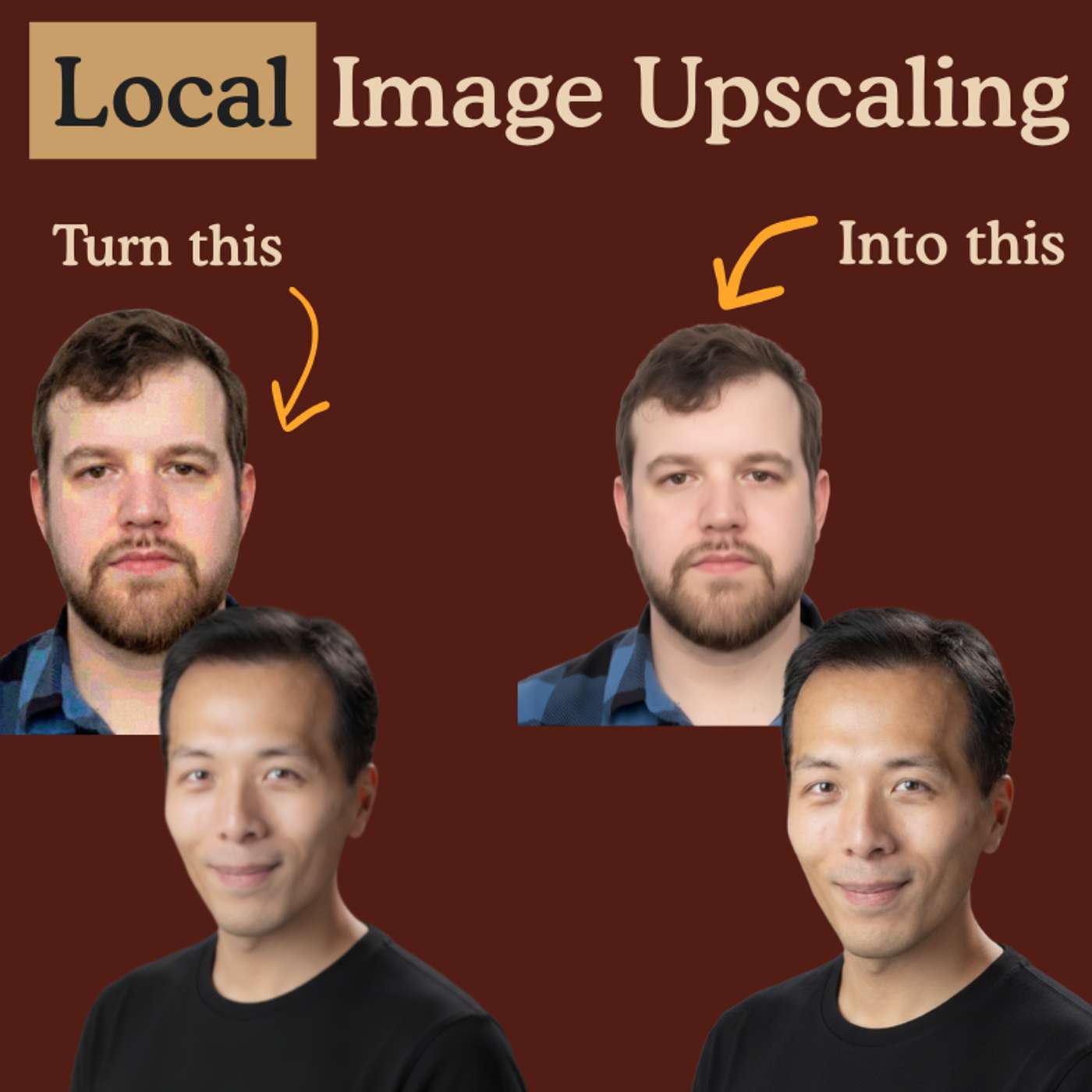
Local AI Image Upscaling Workflow
May 2600:13:20Tap to summarizeDavid walks Ilan through a local ComfyUI workflow that chains three AI models to upscale generated images from 720p all the way to 4K, with a side mission of fixing that plastic-y AI skin look.Chapters00:00 - Intro and what we are upscaling today00:36 - Workflow overview and chaining three models01:30 - Installing the ComfyUI Manager02:30 - The download note and where models go03:00 - Walking through CivitAI to grab the first 22GB model05:00 - Epic Realism and SeedVR2 from ByteDance06:00 - LoRAs, CLIP, VAEs, and refreshing node paths08:00 - Generating the test image and loading the upscale workflow09:30 - Running the three-pass upscale and what each model does10:30 - Before and after at 4500 by 250012:00 - Final image, runtime, and going to 8KHilarious Product Management Merchhttps://devilwearsproduct.shopLinksWorkflow: https://pastebin.com/SUtVN2Hh Password: Prompt and Circumstance PodcastDiffusion Models (models/diffusion_models):UltraFineTune: https://civitai.com/models/978314/ultrareal-fine-tuneZEpicrealismturbo FP8: https://civitai.com/models/2305301/z-epicrealismCheckpoints (models/checkpoints):Epic Realism XL Crystal Clear: https://civitai.com/models/277058/epicrealism-xl?modelVersionId=1920523Loras (models/loras)Aidma Realistic Skin: https://civitai.com/models/1157318/photorealistic-skin-no-plastic-fluxSDXL Skin Realism: https://civitai.com/models/248951/skin-realism-acne-skin-details-imperfections-sdxlCLIPClip_l: (models/clip) https://huggingface.co/comfyanonymous/flux_text_encoders/blob/main/clip_l.safetensorsTt5xxl fp8: (models/text_encoders) https://huggingface.co/comfyanonymous/flux_text_encoders/blob/main/t5xxl_fp8_e4m3fn.safetensorsText Encoders:Qwen 3 4b: (models/text_encoders) https://huggingface.co/Comfy-Org/z_image_turbo/blob/main/split_files/text_encoders/qwen_3_4b.safetensorsVariational Autoencoders (models/upscale_models)Flux VAE (ae.safetensors): https://huggingface.co/lovis93/testllm/blob/ed9cf1af7465cebca4649157f118e331cf2a084f/ae.safetensorsUpscale Models (models/upscale_models)4x Clear Reality: https://huggingface.co/skbhadra/ClearRealityV1/commit/bc01e27b38eec683dc6e3161dd56069c78e015acSeedVR2 Models (models/SEEDVR2)Model: https://huggingface.co/numz/SeedVR2_comfyUI/blob/main/seedvr2_ema_3b_fp8_e4m3fn.safetensorsVAE: https://huggingface.co/numz/SeedVR2_comfyUI/blob/main/ema_vae_fp16.safetensorsFind UsYouTube - https://www.youtube.com/@PandCpodcastBluesky - https://bsky.app/profile/pandcpodcast.bsky.socialX - https://x.com/_pandcpodcastInstagram - https://www.instagram.com/_pandcpodcastLinkedIn - https://www.linkedin.com/company/p-and-c-podcast
Transcribe →
OpenClaw Agent Teams
May 500:13:15Tap to summarizeSet up a decentralized agent team in OpenClaw to complete complex tasks. We walk you through a real use case to set up a morning briefing using two agents, a researcher and a summarizer. They hand off work to each other on a schedule so you wake up to a one-minute AI news brief on your phone. Chapters 00:00 - Intro00:47 - Why You Need an Agent Team02:50 - Agent Team Patterns04:50 - Ilan's Morning Briefing Setup08:30 - How Zoe Was Built10:50 - Wrap-Up and Key Takeaways Business Use Cases - Set up a decentralized agent team in OpenClaw where each agent saves its output to a workspace file and the next agent picks it up to complete its part of the task.- Use cron jobs to schedule agents in sequence with time gaps between them, then test each agent manually before automating.- Give each agent a pop culture persona that matches the work style you want, and define a clear output contract (a saved file) so the agent knows exactly when its job is done. Links OpenClaw - https://openclaw.aiOpenClaw GitHub - https://github.com/openclaw/openclawOpenClaw Docs - https://docs.openclaw.aiAgent Team Builder Skill - https://github.com/canuckamok/agents/tree/main/skills Find Us YouTube - https://www.youtube.com/@PandCpodcastBluesky - https://bsky.app/profile/pandcpodcast.bsky.socialX - https://x.com/_pandcpodcastInstagram - https://www.instagram.com/_pandcpodcastLinkedIn - https://www.linkedin.com/company/p-and-c-podcast (00:00) - Intro (01:06) - Why You Need an Agent Team (02:52) - Agent Team Patterns (04:43) - Ilan's Morning Briefing Setup (08:26) - How Zoe Was Built (11:15) - Wrap-Up & Key Takeaways
Transcribe →
Can you replace a web agency with Stitch?
Apr 2100:05:29Tap to summarizeIn this episode of Prompt and Circumstance, we explore Stitch by Google, a free tool that is democratizing high-end web and app design. Whether you are a small business owner tired of mediocre layouts or an entrepreneur looking to prototype at lightning speed, Stitch allows you to generate professional design systems and deployable code using simple conversational prompts.WHAT YOU'LL LEARNINSTANT DESIGN SYSTEMS: See how the AI generates full palettes, typography, and background imagery automatically.THE "AGENCY KILLER": Why you no longer need to pay thousands of dollars for initial ideation and palette iterations.DESIGN "INSPIRATION": With some screenshots, you can get the AI to mimic the style of your favorite existing websites.VIDEOClick here to watch a video of this episode. TIMESTAMPS00:00 - Intro01:07 - Fire your web design agency04:03 - Get "inspired" by another websiteLINKSStitch - https://stitch.withgoogle.com/Merch - https://devilwearsproduct.shop/
Transcribe →
OpenClaw for beginners
Apr 700:24:58Tap to summarizeIf you want an AI agent that handles your repetitive tasks while you sleep, watch this.We got tired of clicking the same buttons and reading 50 newsletters a day just to keep up with tech. It takes way too much time. So we stopped doing it manually. Now, we have an autonomous agent that wakes up early, scrapes the internet, and writes a 30-second brief for us.In this episode of Prompt and Circumstance, we show you exactly how we built this using OpenClaw. OpenClaw isn't just another text box. It actually takes over your mouse and keyboard. It opens applications and executes tasks exactly like a human would.Here is what we cover:What OpenClaw actually is and why it beats standard chatbotsHow to skip the complicated terminal commands and install it on HostingerHow to configure the system messages so your agent knows exactly how to behaveThe exact setup we use to make it valuable for our own daily workVIDEO LINKClick here to watch a video of this episode. SECTIONS00:00 - Intro00:46 - What is OpenClaw07:43 - How to set up OpenClaw11:36 - Walkthrough of useful setup24:11 - ConclusionsLINKSMerch - https://www.devilwearsproduct.shop/Hostinger - https://www.hostinger.com/ca?REFERRALCODE=9SGMILANUEYM Openclaw Git Repo - https://github.com/openclaw/openclawPeter Steinberger - https://en.wikipedia.org/wiki/Peter_Steinberger_(programmer)Setting up your OpenAI account with OpenClaw - https://lumadock.com/tutorials/openclaw-openai-codex-chatgpt-subscription Openrouter - https://openrouter.ai/
Transcribe →
No Limits! How to Generate Video Locally for Free
Mar 2400:16:19Tap to summarizeIn this episode: how to generate 30+ second synchronized videos using free, open-source tools. No subscriptions, no cloud. David walks through the ComfyUI workflow for image-to-video generation. He covers image preparation with Qwen 2.5, video rendering with Infinite Talk and WAN 2.1, and configuring resolution, frame count, and prompts. Includes a live demo and an honest look at lip sync limitations. CHAPTERS 00:00 — Introduction 01:48 — Base Image Generation With ComfyUI 05:39 — Generate Long Videos With Infinite Talk 11:56 — Settings and Prompt Writing 14:43 — Demo and Limitations SPONSORS Querio → querio.ai Devil Wears Product (Merch Store) - https://devilwearsproduct.shop LINKS ComfyUI - https://www.comfy.org/ Qwen Image Edit - https://docs.comfy.org/tutorials/image/qwen/qwen-image-edit-2511 Infinite Talk - https://infinitetalk.org/ Infinite Talk Repo - https://meigen-ai.github.io/InfiniteTalk/ Infinite Talk Workflow - https://pastebin.com/PYBBXTY6 (password: PromptandCircumstance) wav2vec2 - https://huggingface.co/facebook/wav2vec2-base FIND US YouTube - https://www.youtube.com/@PandCpodcast Bluesky - https://bsky.app/profile/pandcpodcast.bsky.social X - https://x.com/_pandcpodcast Instagram - https://www.instagram.com/_pandcpodcast LinkedIn - https://www.linkedin.com/company/p-and-c-podcast
Transcribe →
Total Freedom! How to Generate Audio Locally
Mar 1000:20:10Tap to summarizeWe teach you how we are generating music and speech entirely on a local machine using open source models in ComfyUI, no cloud subscriptions to ElevenLabs or Suno required. You'll see how ACE-Step 1.5 produces full pop songs from a text prompt and how Qwen3-TTS clones voices from a short audio clip, all on consumer-grade hardware.Chapters00:00 - Intro and What We're Covering00:56 - Making Music Locally with ACE-Step 1.502:47 - Setting Up the Workflow in ComfyUI04:40 - Prompting for Songs: Descriptions, Lyrics, and Settings10:22 - Generating an Instrumental EDM Track with Gemini12:43 - Local Speech Generation and Voice Cloning with Qwen3-TTS18:18 - Deepfake Concerns and Wrap UpSponsorsQuerio → querio.aiDevil Wears Product (Merch Store) - https://devilwearsproduct.shopLinksACE-Step 1.5 (GitHub) - https://github.com/ace-step/ACE-Step-1.5ACE-Step 1.5 (Hugging Face) - https://huggingface.co/ACE-Step/Ace-Step1.5Qwen3-TTS (GitHub) - https://github.com/QwenLM/Qwen3-TTSComfyUI-Qwen-TTS (ComfyUI Nodes) - https://github.com/flybirdxx/ComfyUI-Qwen-TTSComfyUI - https://www.comfy.org/ElevenLabs - https://elevenlabs.ioSuno - https://suno.comGoogle Gemini - https://gemini.google.comFind UsYouTube - https://www.youtube.com/@PandCpodcastBluesky - https://bsky.app/profile/pandcpodcast.bsky.socialX - https://x.com/_pandcpodcastInstagram - https://www.instagram.com/_pandcpodcastLinkedIn - https://www.linkedin.com/company/p-and-c-podcast
Transcribe →